64 • TSW-560, TSW-760, and TSW-1060 Product Manual — Doc. 7927K
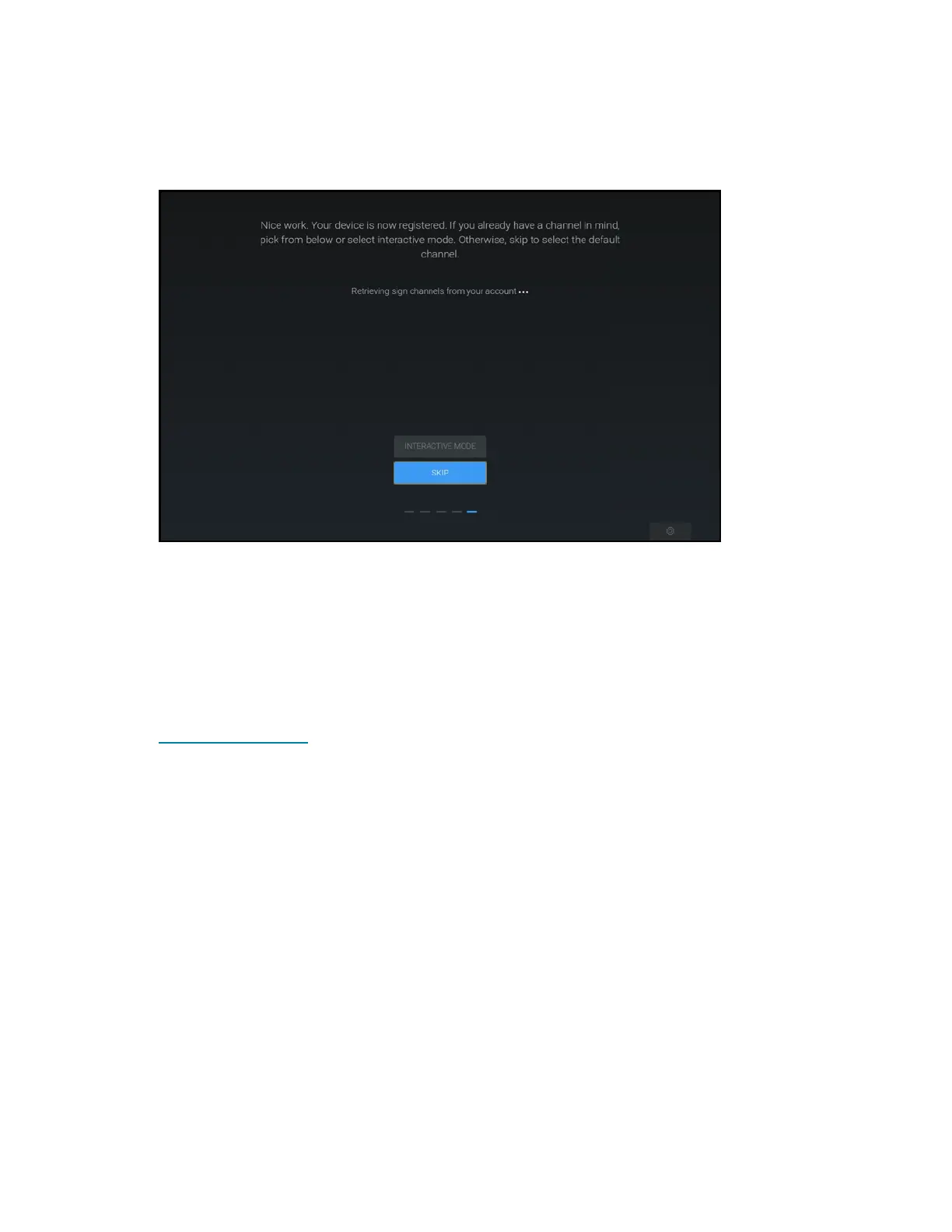
If the device registration is successful, the Appspace application attempts to retrieve any
channels from the linked account.
Appspace User Interface - Retrieving Channels
6. Select one of the following options:
l Tap one of the retrieved channels to display that channel.
l Tap INTERACTIVE MODE to select interactive mode.
l Tap SKIP to select the default channel for the paired account
To register with the Appspace application online:
1. Log in to the Appspace account that will be paired with the touch screen at
www.appspace.com.
2. Note the six-digit registration code that is displayed in the second registration option
provided by the Appspace user interface.











 To Next Page