Product Manual — Doc. 7927K TSW-560, TSW-760, and TSW-1060 • 77
l Teams Video Username: Enter the login username for the Microsoft Teams software
host PC. (The default username is "admin".)
l Teams Video Password: Enter the login password for the Microsoft Teams software
host PC. (The default password is "sfb".)
7. Click Save Changes.
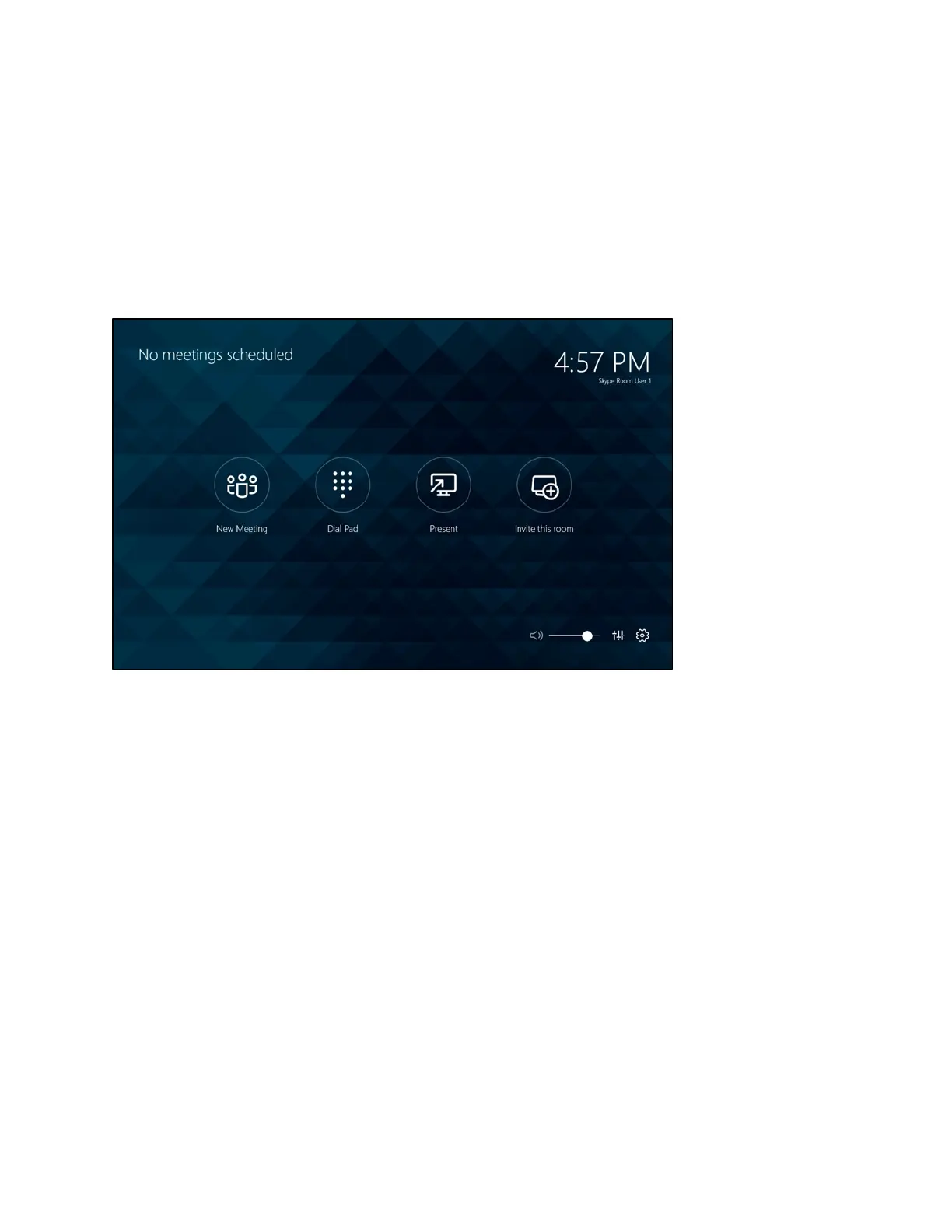
If the device connects to the PC successfully, the application switches to a menu interface for the
room.
Microsoft Teams User Interface(Main Menu)
For more information on using the Microsoft Teams application as part of a Crestron Flex UC
system, refer to the UC-M150-T/-B150-T/-B160-T/-C150-T UC Video Conference Systems for
Microsoft Teams Supplemental Guide (Doc.8360).











 To Next Page