Product Manual — Doc. 7927K TSW-560, TSW-760, and TSW-1060 • 83
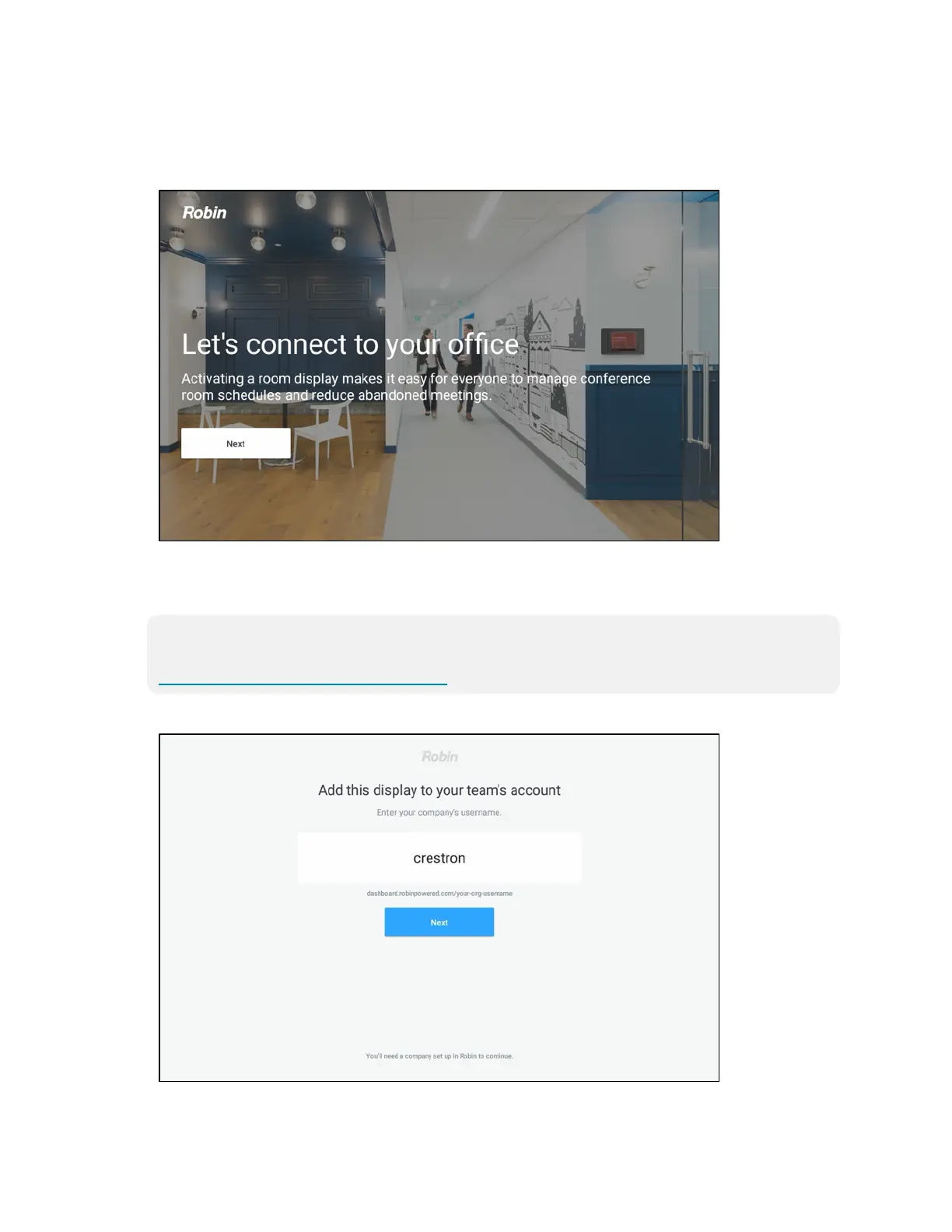
4. Reboot the touch screen. The Robin user interface is displayed on the touch screen following
the reboot.
Robin User Interface
5. Tap Next on the user interface.
6. Enter the company username that is connecting to the touch screen, and then tap Next.
NOTE: The company must be set up in the Robin web interface before the touch screen
may be connected to the company. For more information, refer to
https://support.robinpowered.com/hc.
Robin User Interface - Add Display











 To Next Page