12
2. INSTALLATION AND SETUP FOR CRICKET BROADBAND
S TEP 8:
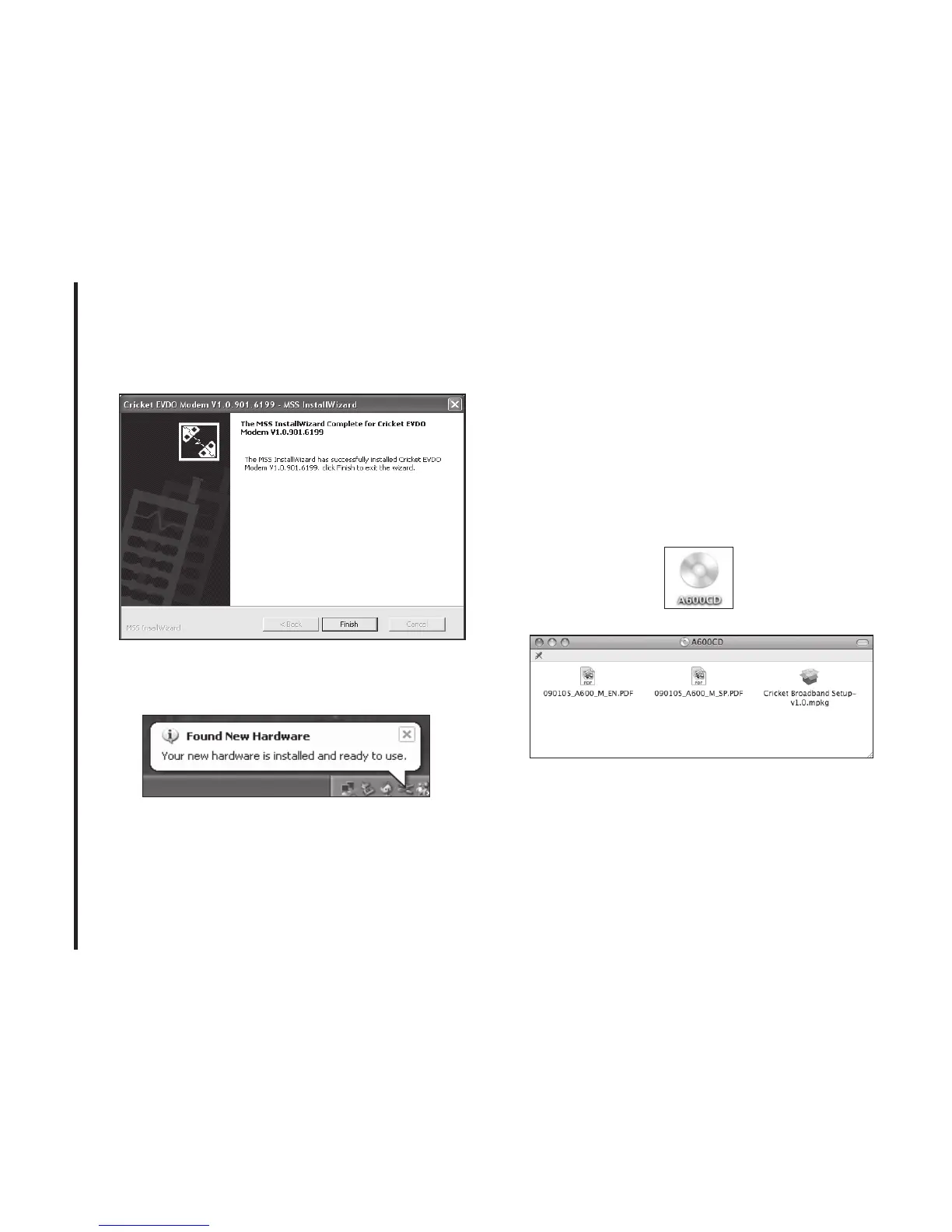
Installation of USB Driver is now
complete. Click [Finish] button to complete.
S TEP 9:
Please wait while Cricket A600 is
installed and ready to use.
Setup Program - Mac OS X
S TEP 1:
Insert A600 into the PC, then
A600CD disk drive should be automatically
mounted. Double click A600CD icon on
the Desktop. Double click the Cricket
Broadband Setup icon to launch the
installer.



 To Next Page