29
5. INSTALLING CRICKET A600
Using the Modem
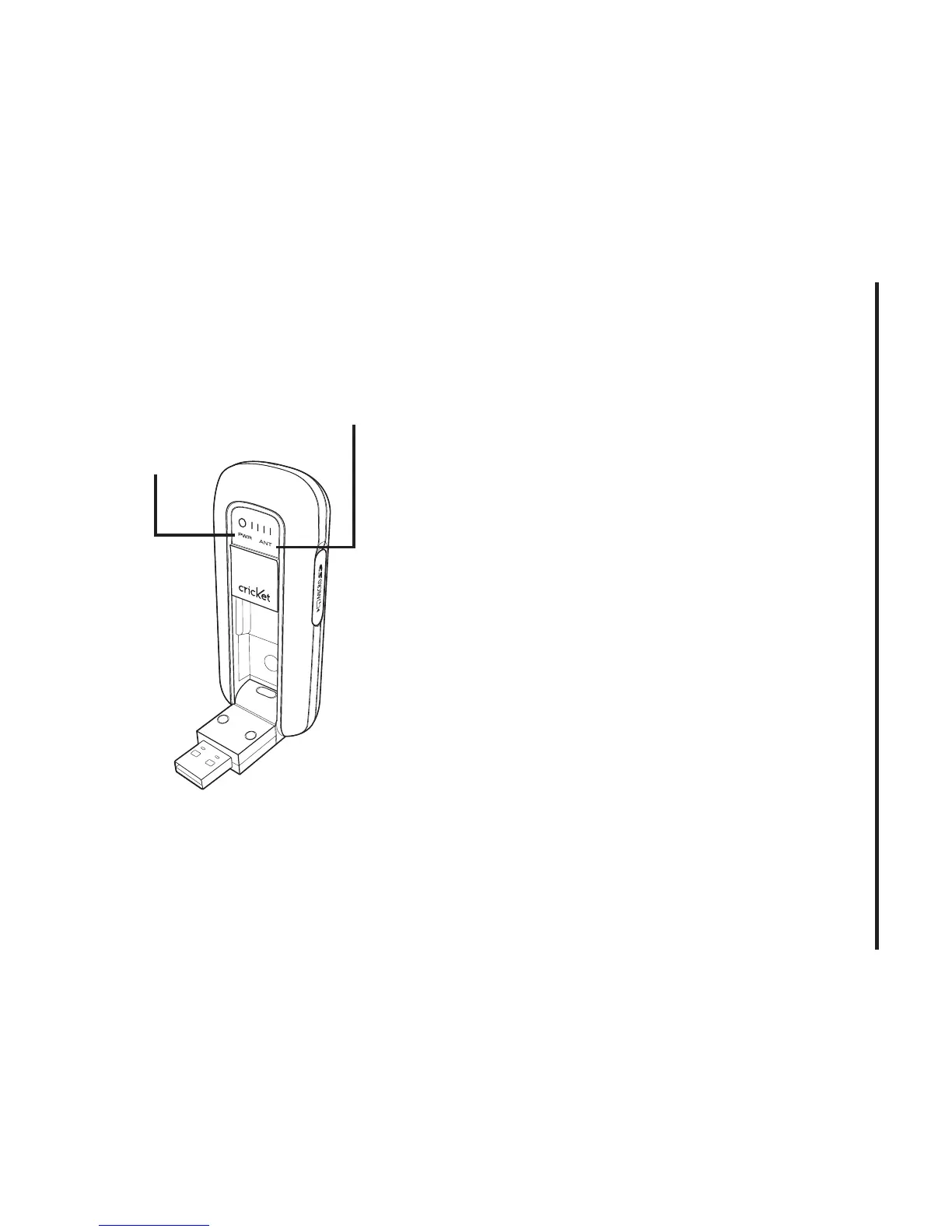
Power statue LED
• Green:
Power OK.
• Red:
Not enough power for current
conditions. If you see red on the power
status LED it is recommend that you use
the USB modem extension Y cable.
Signal strength indicator
• 0
~
4:
Weak or no signal strength, 4: high
signal strength.
Unplugging or Ejecting the
Modem
• Make sure to complete the unplug/eject
process on your computer before
removing the Cricket A600 from your PC.
If you remove the USB device improperly,
the product may be damaged.
• Double click the Unplug/Eject Hardware
icon in the system tray.
Power status LED
Signal strength indicator



 To Next Page