8
2. INSTALLATION AND SETUP FOR CRICKET BROADBAND
2. Insert the Cricket A600 modem into your
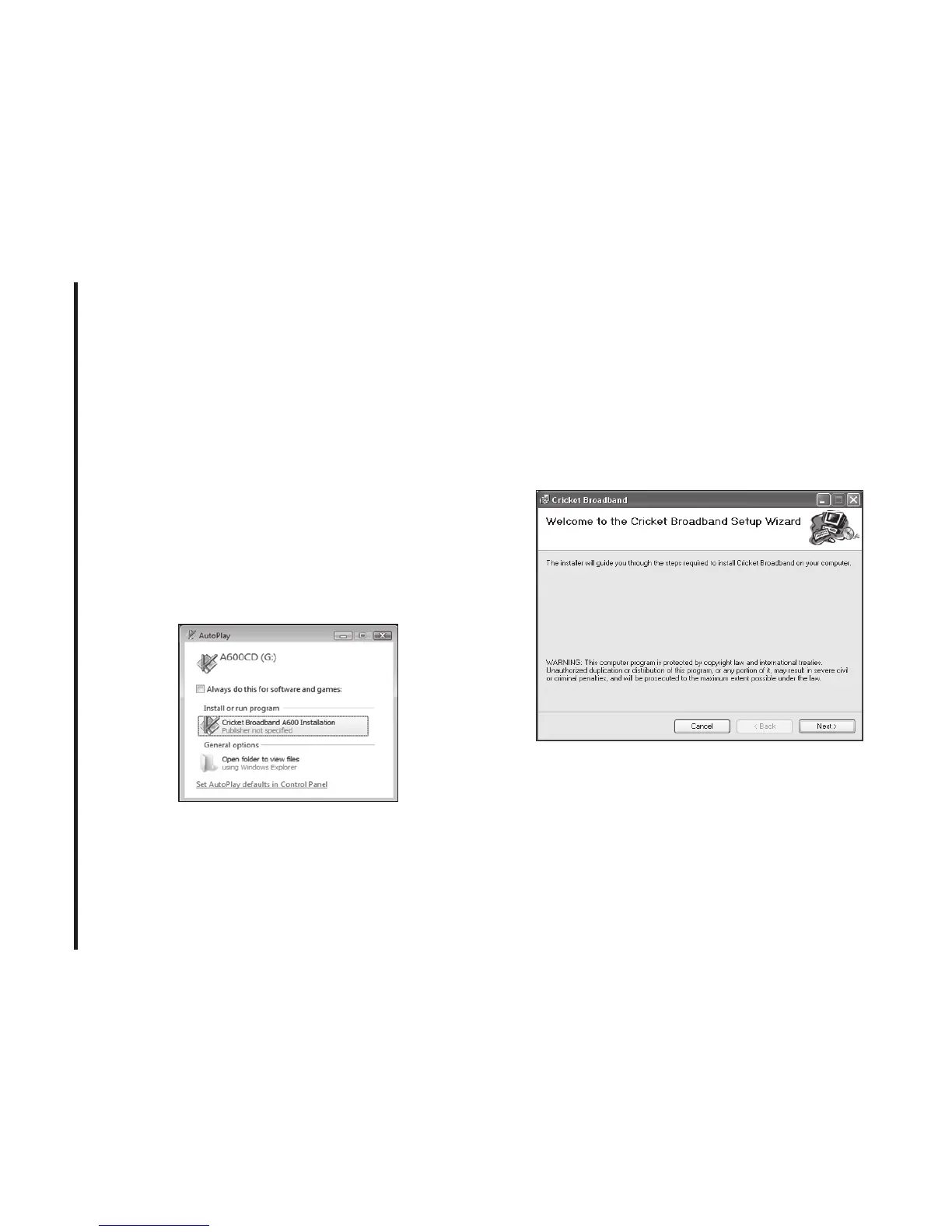
USB port.
3. Your computer will recognize Cricket
A600 modem and start the installation
sequence automatically. Below pop-up
screen is shown if your OS is Windows
Vista. If the program does not launch
automatically, go to my computer and
select the ‘A600CD’ drive and double
click ‘start.exe’ program.
4. Follow the steps in the next section.
Setup Program - Windows
S TEP 1:
The “Welcome to the Cricket
Broadband Setup Wizard” screen appears.
Click the [Next] button to continue with the
installation process.



 To Next Page