24
4. CRICKET BROADBAND PREFERENCES
• Use 24-Hour Time: Select 24-Hour or
12-Hour clock used for Text Message.
• Click the [Ok] button.
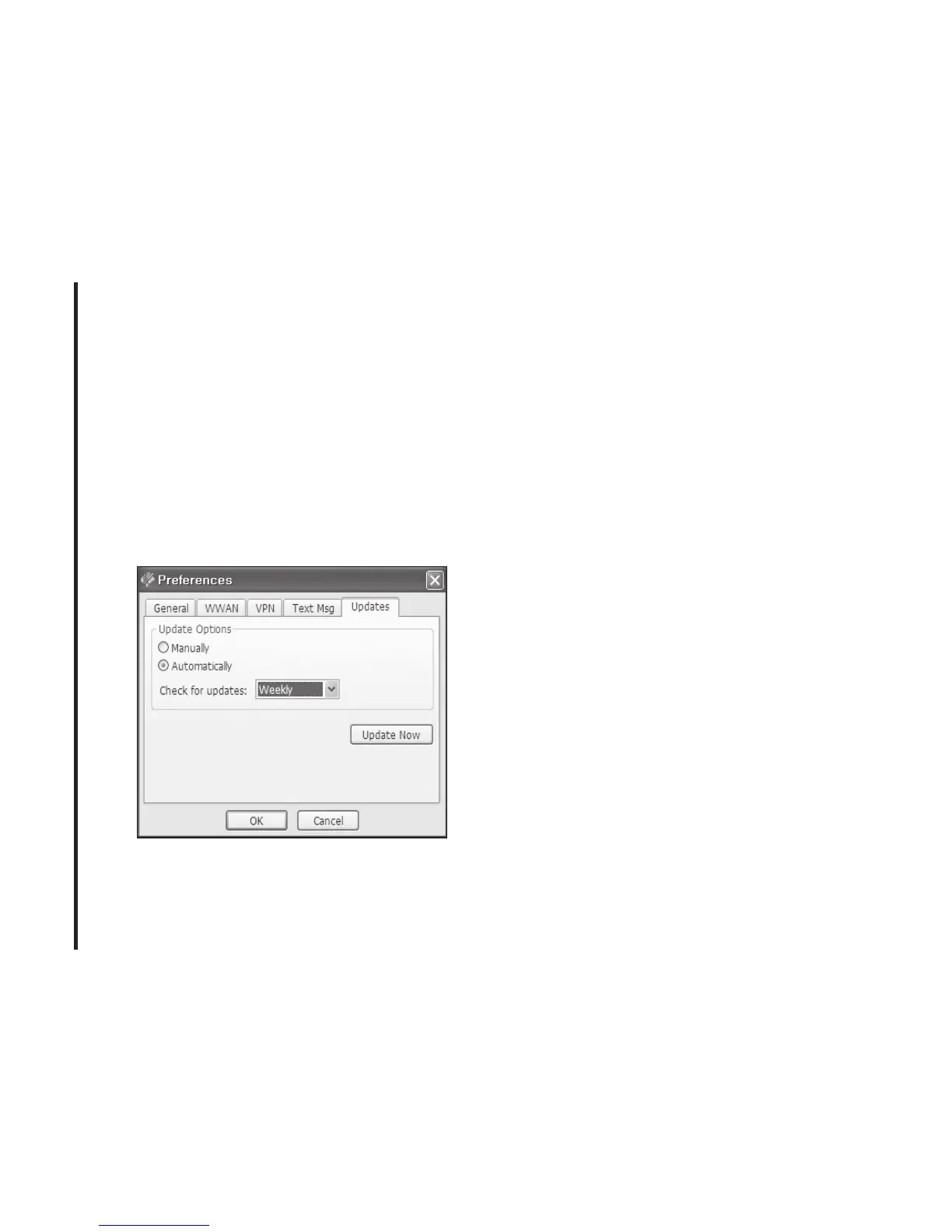
Update settings
This feature allows Cricket Broadband
software to check for software updates and
it can be updated manually or automatically.
• Manually: If you choose this option, the
software will only check for update when
you select “Update Now” button or select
“Help”, then “Check for updates” from
main screen.
• Automatically: You can allow the software
to automatically check for updates, daily,
weekly, or monthly. It only checks when
the application is running and when it
detects that you are connected and able to
access the Internet.
Additional Features
In addition to the basic features mentioned
in previous sections, Cricket Broadband has
the additional features listed below.
Status Bar
The details of your current connection can
be seen in the status bar at the bottom of
Cricket Broadband interface. This status bar
is always visible when the interface is fully
expanded.



 To Next Page