25
4. CRICKET BROADBAND PREFERENCES
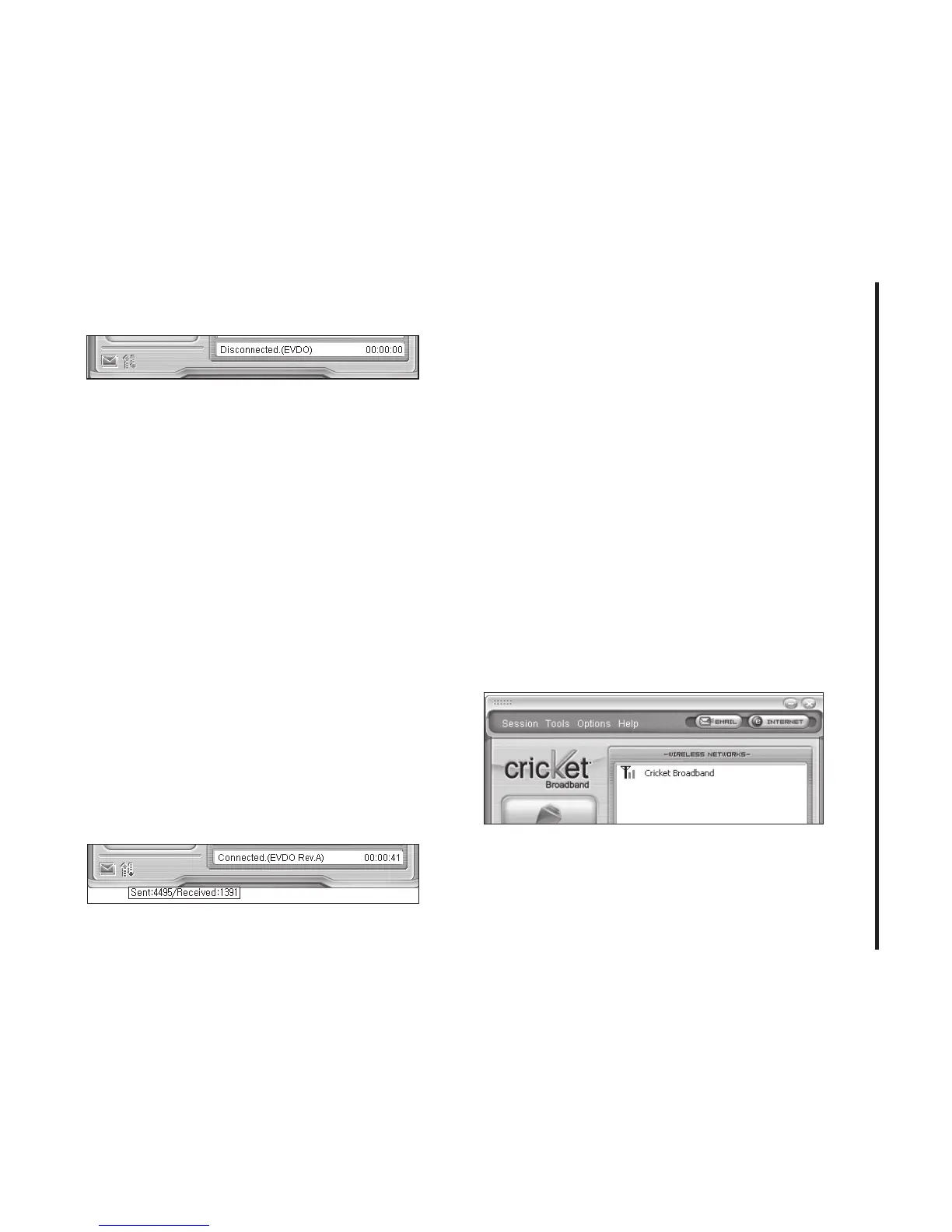
Connection Status
The text on the status bar reflects your
current state. During an active connection,
this text will change to “Connected”.
If you are not connected, it will display
“Disconnected”.
WWAN USB Modem Status Area
The text can change to the following:
• No Device:
Your WWAN USB Modem is
removed from the laptop.
• Device not activated:
Your USB Modem
needs to be activated. Select “Activation”
from the Tools menu.
Throughput
The amount of data that you have sent and
received since the current network
connection was initiated can be seen by
holding the mouse over the green up and
down arrows on the left side of the status
bar.
Elapsed Time
The amount of time that has elapsed since
the current network connection was
initiated is tracked on the lower left side of
the status bar.
The Session Menu
Connect / Disconnect:
You can connect or
disconnect the wireless networks.



 To Next Page