26
4. CRICKET BROADBAND PREFERENCES
The Tools Menu
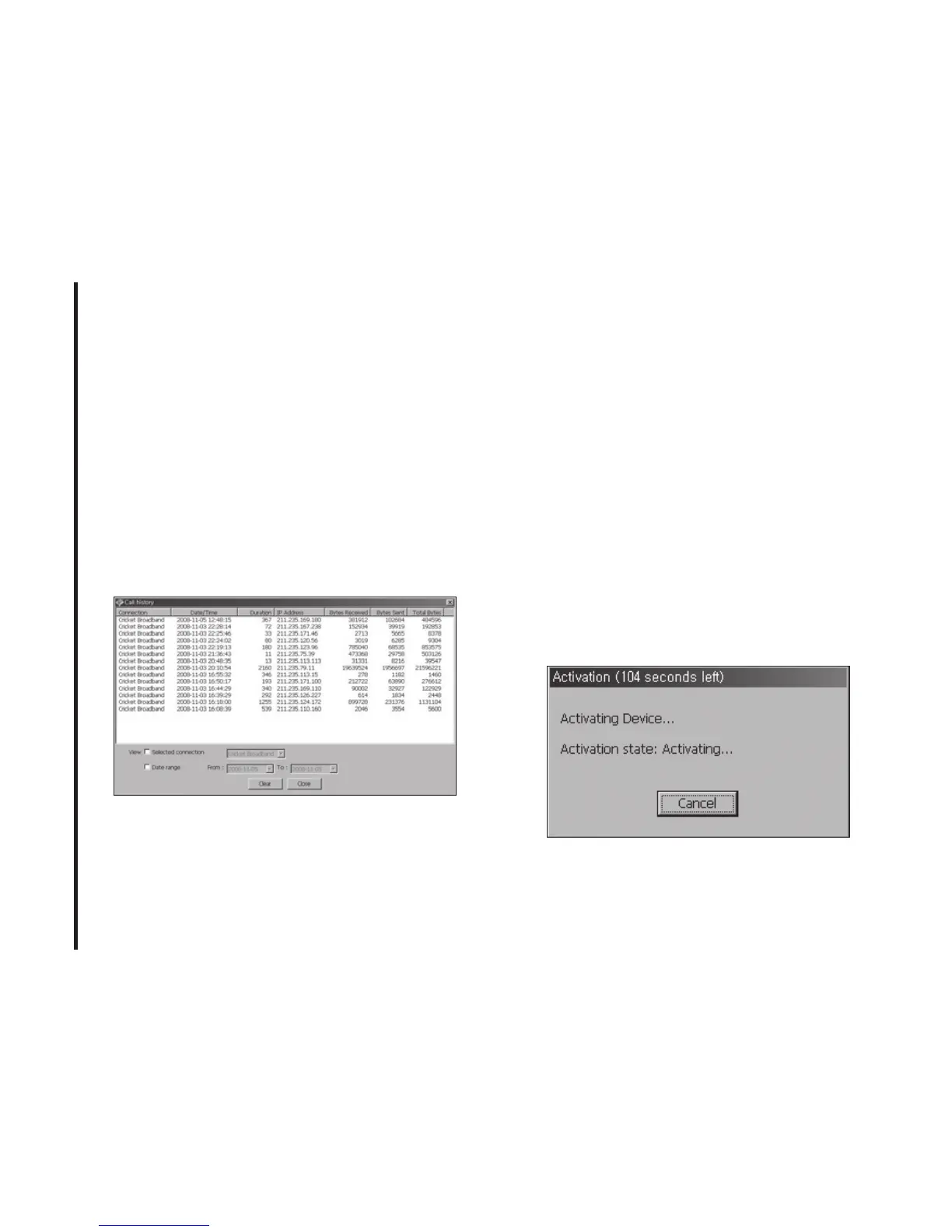
Log: This provides a concise session log
of your network activity. Click on a column
heading to sort the log. This window also
displays the total number of sessions as well
as the total time connected.
The information displayed in the Usage log
can be customized using the controls that
appear just below the list.
To view only the connection history of a
specific network type, check the “Selected
connection” checkbox and select the
desired type from the drop-down list.
To view only the connections made during
a specific interval, check the “Date range”
checkbox and specify the date in the “From:”
and “To:” fields.
To clear the log, press the Clear button.
Note that clearing the log cannot be undone.
Close:
Close the log window.
The Options Menu
Activation:
Programs the activation code,
phone number, and IMSI(MIN) to the USB
Modem.



 To Next Page