27
4. CRICKET BROADBAND PREFERENCES
Find Device:
Find your modem device
again. This is useful if you need to reconfig-
ure Cricket Broadband to use a new USB
Modem.
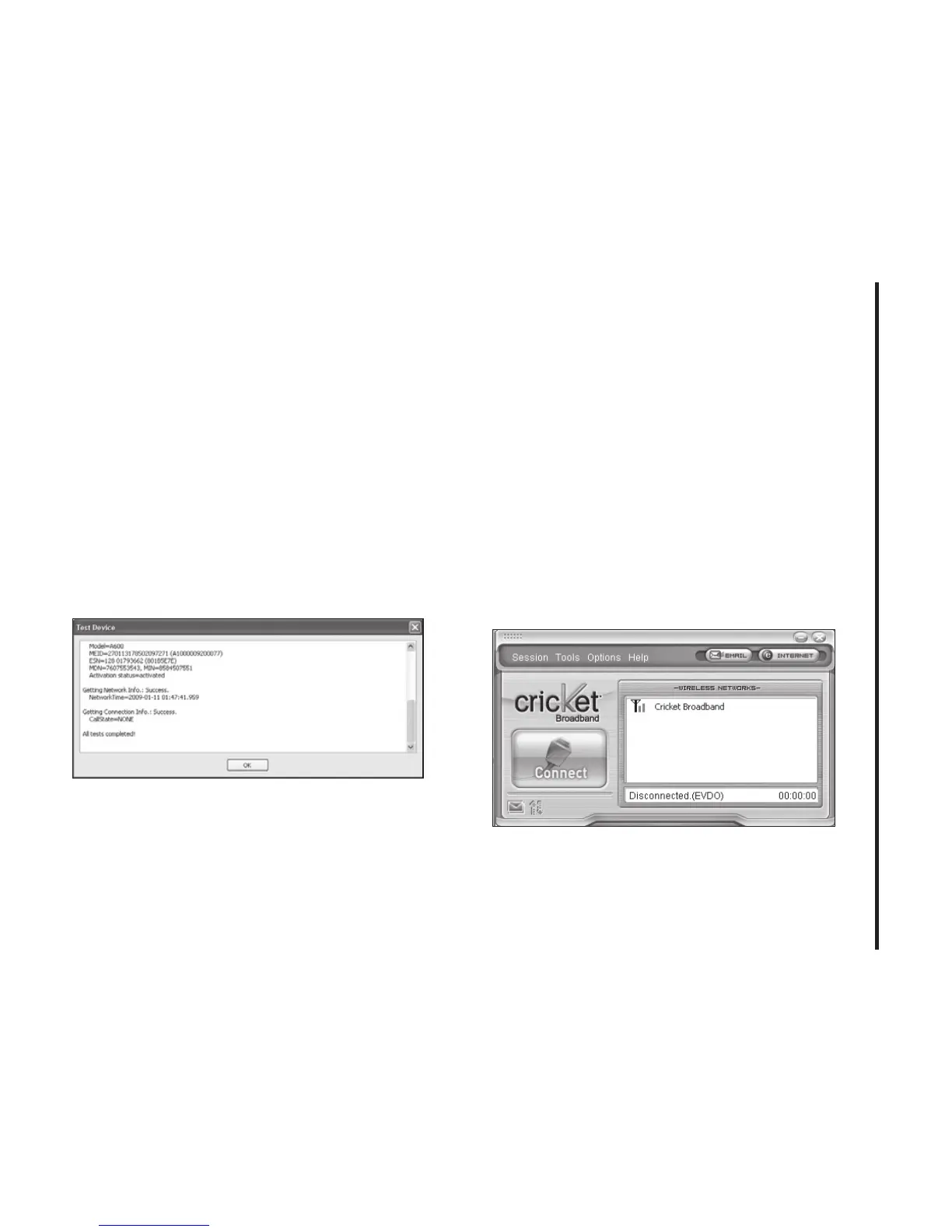
Test WWAN Device:
Retrieve and display
detailed information about your WWAN
device (1xEV-DO/1xRTT/CDMA USB
Modem) such as manufacturer, model,
version, etc. This information can be
valuable when troubleshooting a problem.
Preferences: This is used to select
preferences for connection settings.
The “Internet” button
Launches the default web browser on your
computer.
The “Email” button
Launches the default email application on
your computer.
The Help Menu
The Cricket Broadband has a Help section.
Please see the Help section for additional
questions.



 To Next Page