5. INSTALLING CRICKET A600
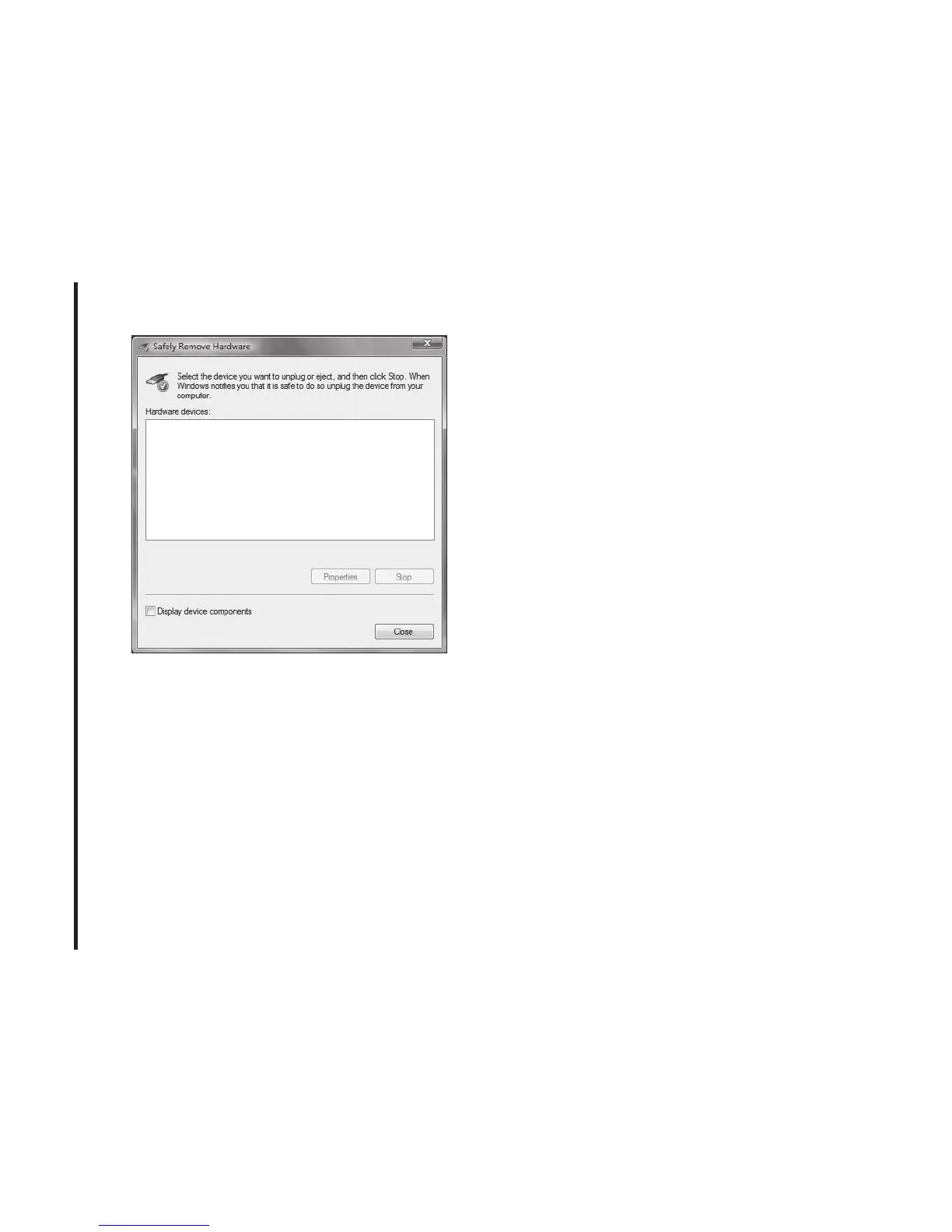
• Click the [Close] button. It is now safe to
unplug the Cricket A600.
Remove the Modem from your
Computer
• Remove the Cricket A600 from your
laptop. When removing the modem,
always grip the sides of the modem and
pull carefully.
Using the USB Modem
Extension Y Cable
• The Cricket A600 modem package
includes an extension USB Y-shaped
cable. Although the Y cable is not required
for use with your Cricket A600 modem,
it oers increased performance for your
modem under certain operating conditions.
Connect the Y cable to two separate USB
ports of your computer to deliver sucient
power when needed to increase RF
performance, and to solve clearance
issues.
Using the USB Modem Extension Y Cable:
1) Plug the single end of the Y-shaped cable
into the Cricket A600 modem. [A]
2) Depending on the condition you are
trying to solve (increased RF
performance, or clearance issues), plug
34



 To Next Page