35
5. INSTALLING CRICKET A600
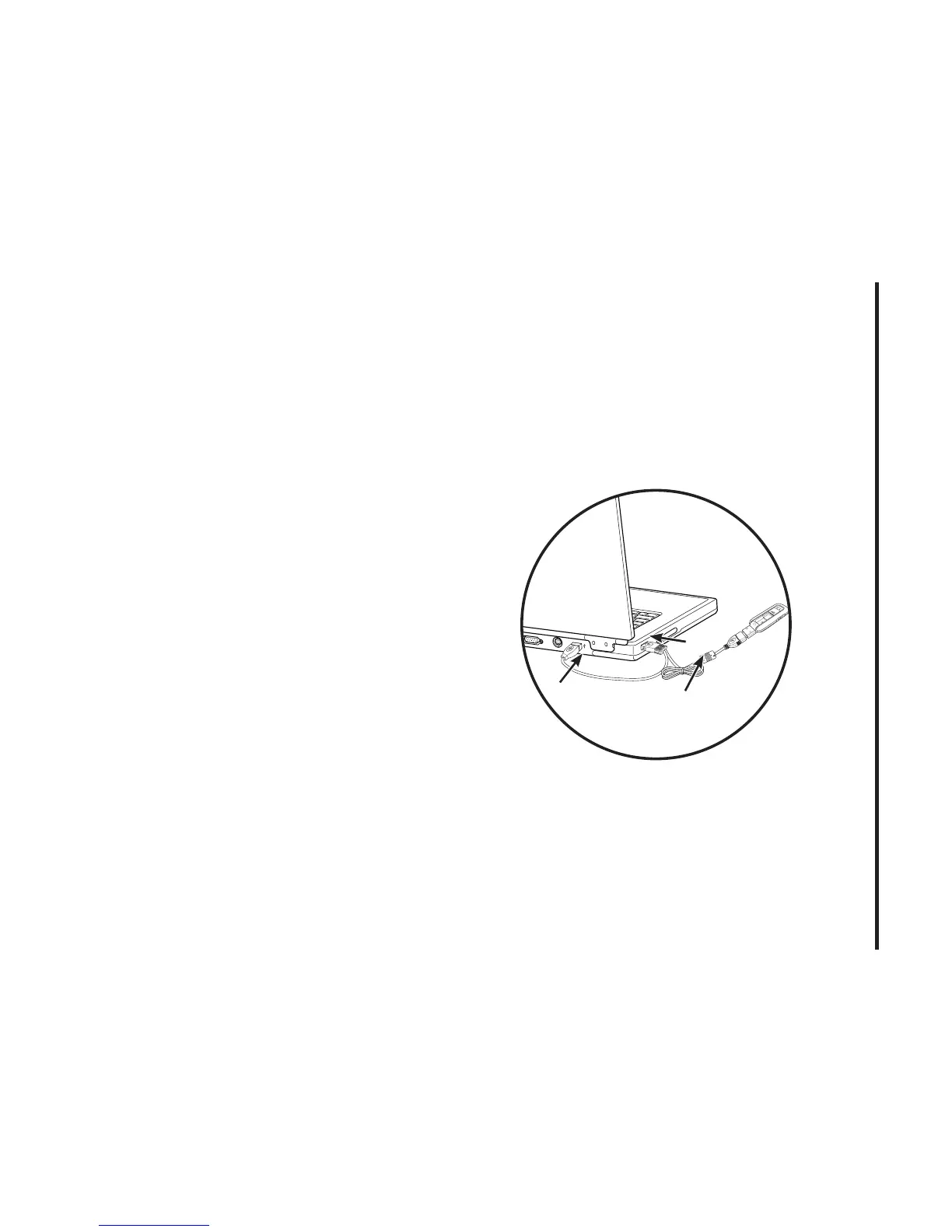
either one of the two connected ends
of the USB modem extension Y cable
into the Type A USB port(s) on your
computer. [B]
Note: The USB modem extension Y cable
connector labeled #1, is the primary data
power cable used to either extend the
Cricket A600 modem away from your
computer allowing you to locate the modem
in a more optimum signal location or solve
any computer USB port clearance issues.
The USB modem extension Y cable
connector labeled #2, is a power boost Y
cable and must be used with connector
#1 to provide the modem up to 1Amp of
current for use in weaker signal areas. The
Y cable must be connected to two separate
USB ports.
3) The device is connected to and powered
by the computer as soon as the USB Y
cable is plugged properly into the
appropriate Type A USB port(s).
4) Click Connect.



 To Next Page