21
4. CRICKET BROADBAND PREFERENCES
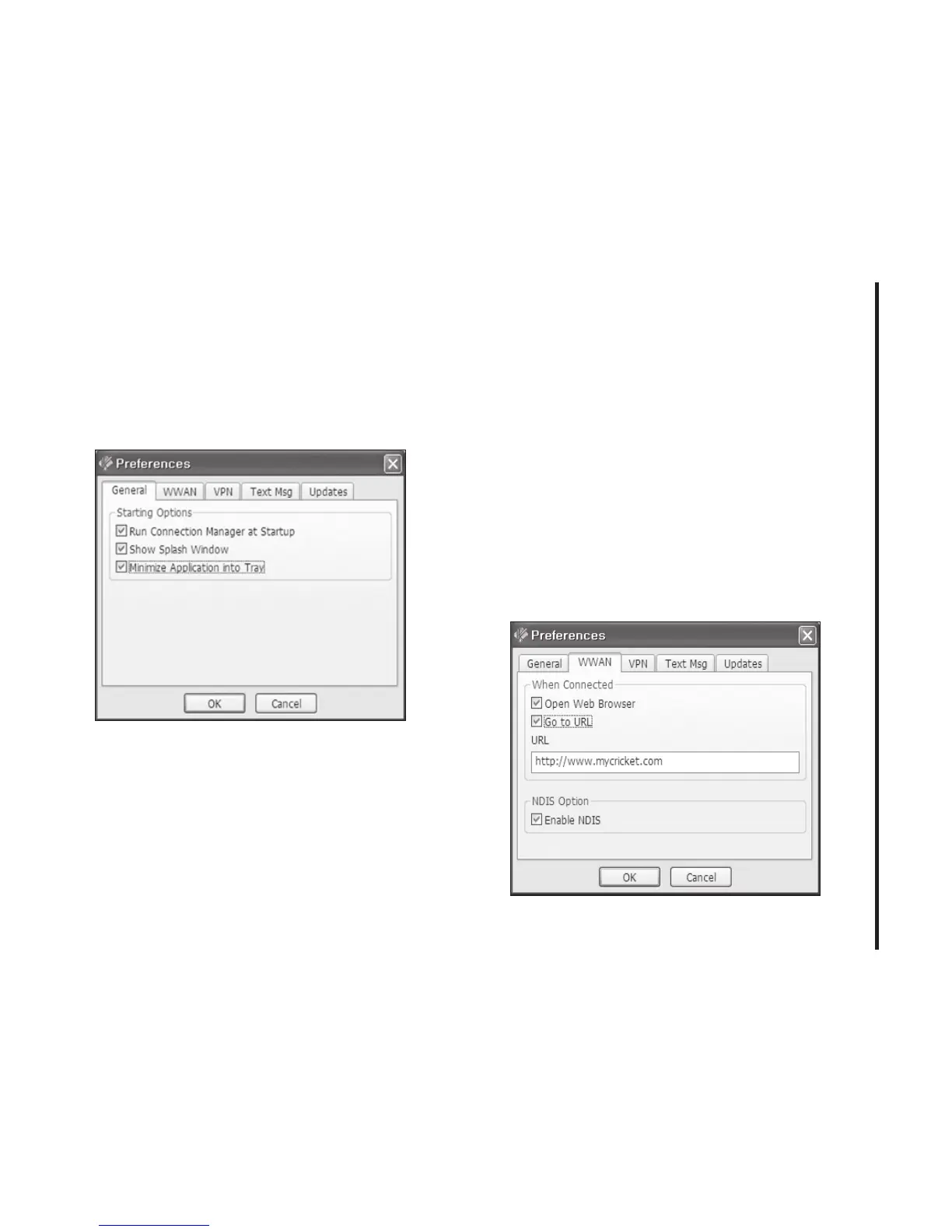
General Preferences
Click on [Options], then [Preferences].
General Tap
Run Connection Manager at Startup:
If this
option is checked the Cricket Broadband
starts automatically when Windows starts.
Show Splash Window:
Display splash
window when Cricket Broadband starts.
Minimize Application into Tray:
When you
minimize the application it will now appear in
the Windows task bar. To restore the
application click on Cricket Broadband tray
icon, and select [Open].
WWAN Specific Settings
WWAN preferences
This is used to set various WWAN
connection settings.



 To Next Page