22
4. CRICKET BROADBAND PREFERENCES
Open Web Browser:
When data
connection is established successfully,
Cricket Broadband executes default
web-browser automatically.
Go to URL:
To enable web-browser go to
web site you defined using URL field below.
URL:
Website URL for starting page of web
browser started automatically upon
connecting to the Cricket Broadband
network.
NDIS Option:
When enabled, NDIS
provides a internet connection always.
• Click the [Ok] button.
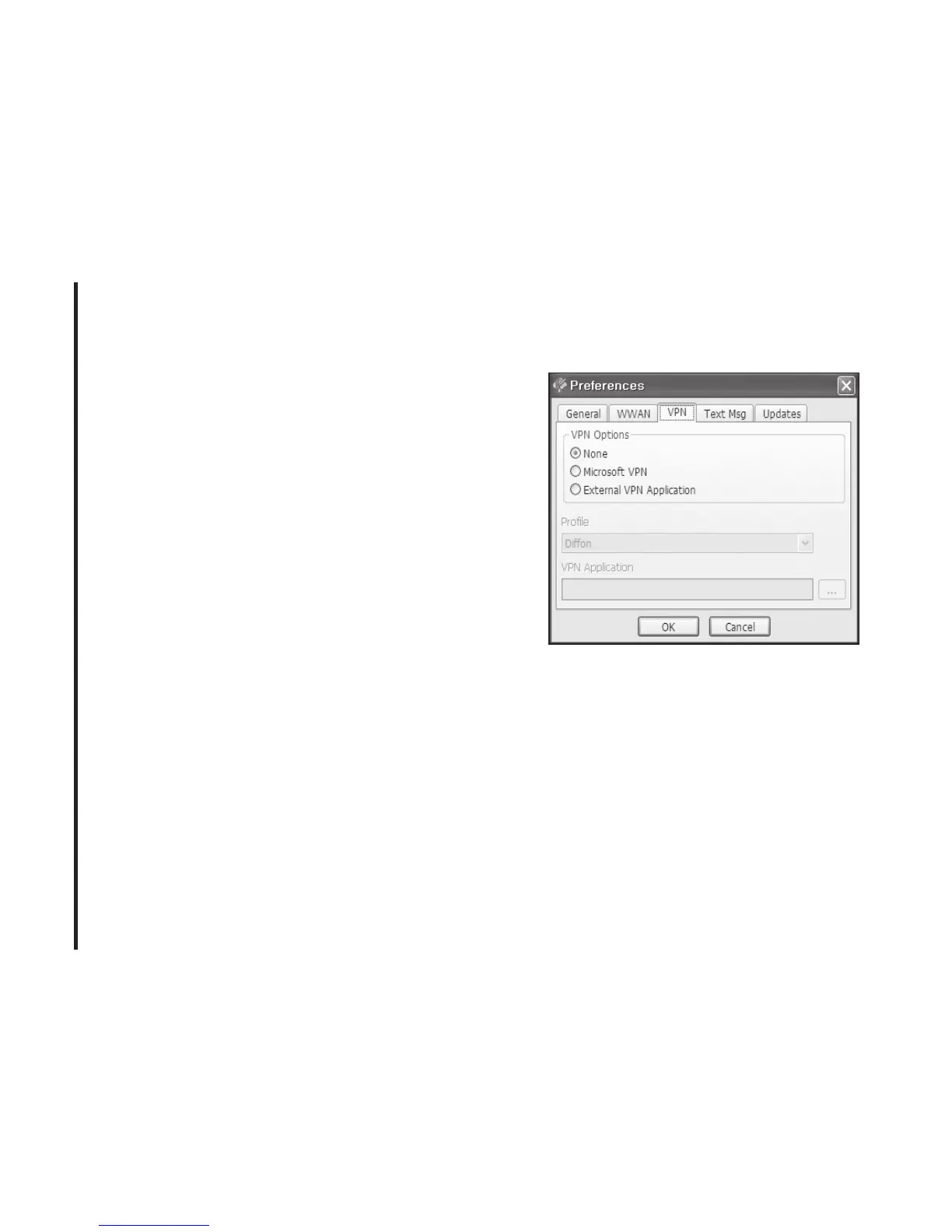
VPN Settings
VPN Options
• None: Do not use VPN.
• Microsoft VPN: Use VPN client of
Microsoft Windows.
• External VPN Application: Use other VPN
client application provided another vendor.
Profile (Microsoft VPN only)
Select Microsoft VPN Profile.



 To Next Page