9
2. INSTALLATION AND SETUP FOR CRICKET BROADBAND
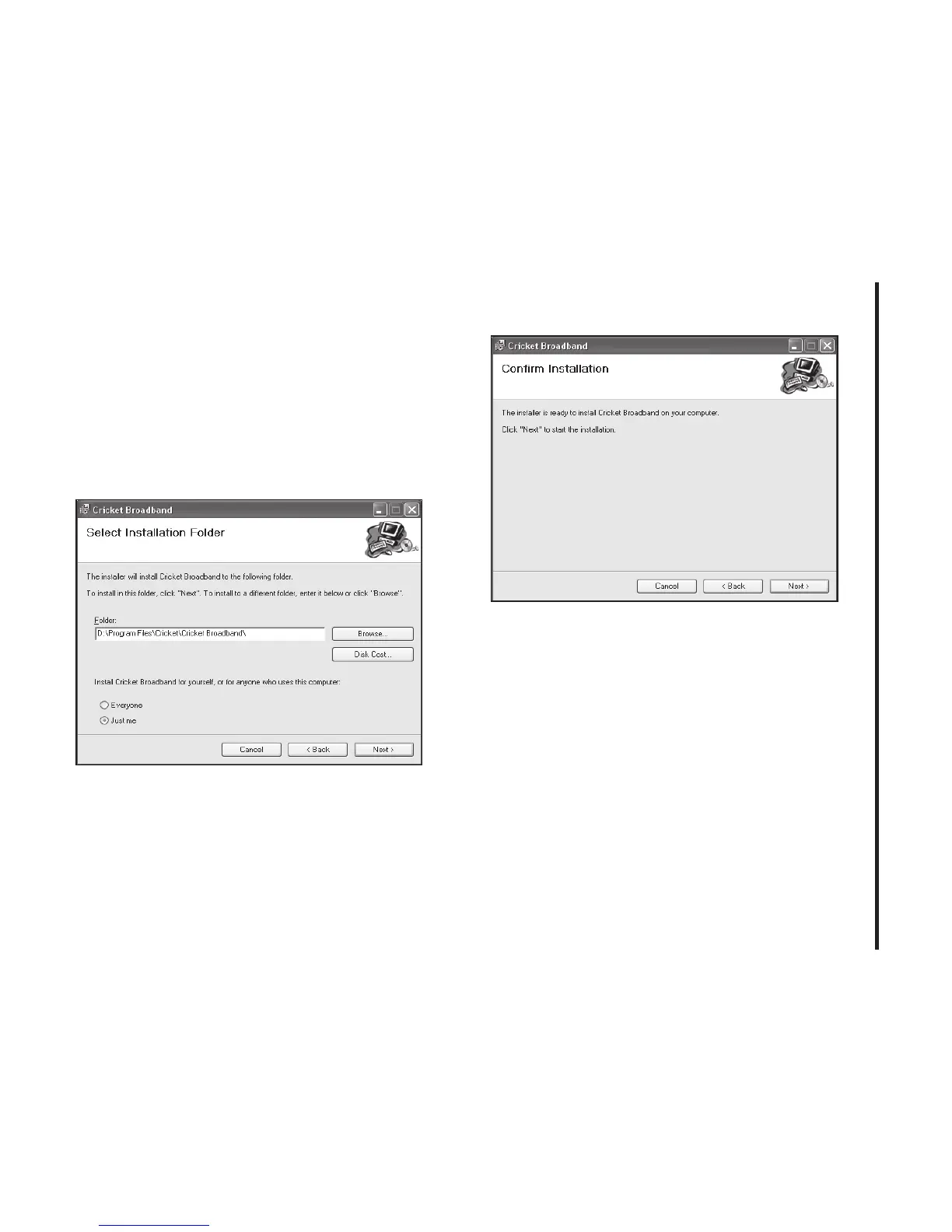
S TEP 2:
You are now ready to select the
location on your computer where
Cricket Broadband should be installed. It is
recommended that you do not modify the
default destination folder. Click the [Next]
button to continue.
S TEP 3:
During this step the components
of Cricket Broadband product are being
installed onto your computer. Installation
will occur to the destination folder speci-
fied in Step 2.



 To Next Page