10
2. INSTALLATION AND SETUP FOR CRICKET BROADBAND
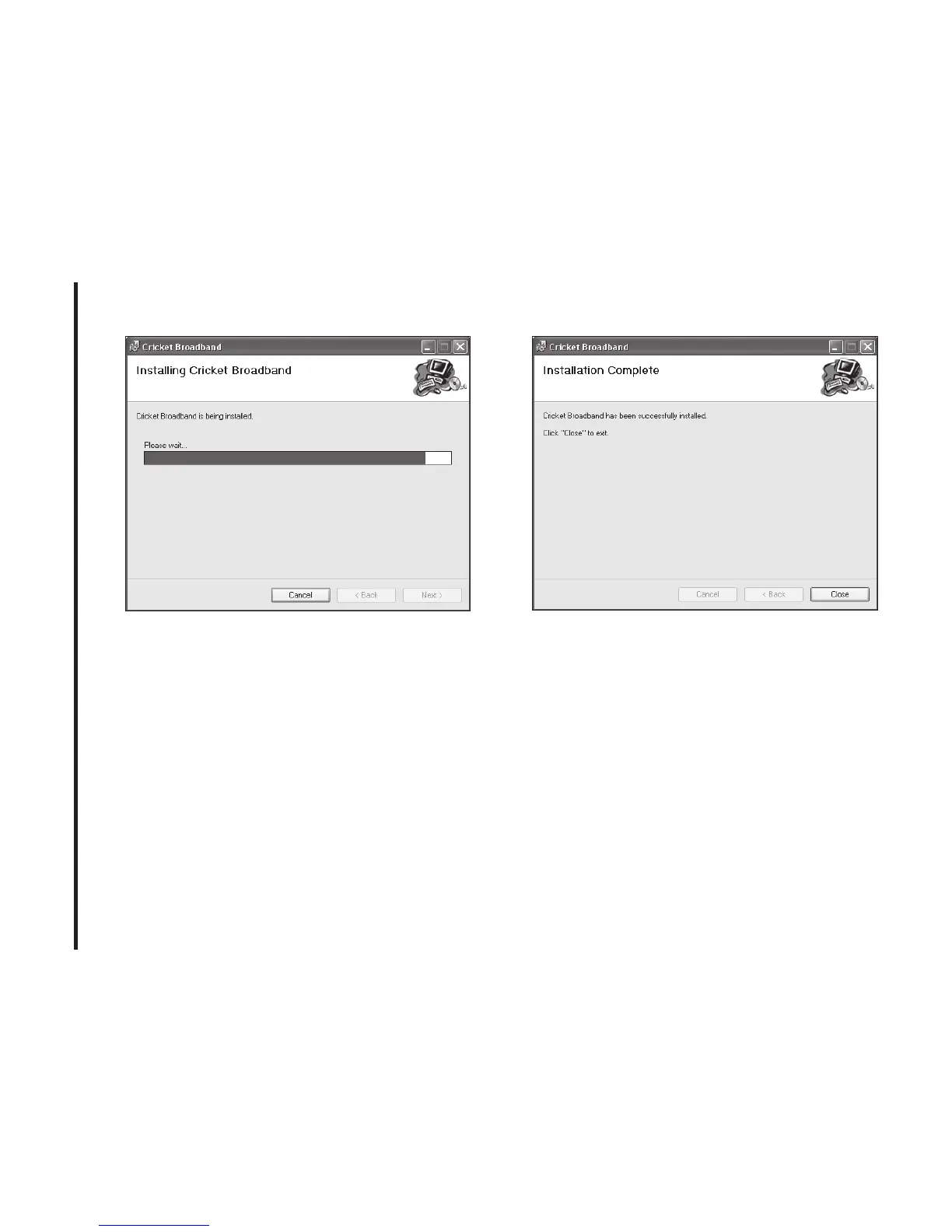
S TEP 4:
Installation of Cricket Broadband is
now complete. Click the [Close] button to
leave the Cricket Broadband setup
program and begin using your new
software.
*
The setup program will automatically
create a Cricket Broadband shortcut on
your desktop.
S TEP 5:
Next, the computer will install the
USB Driver. Click the [Next] button.



 To Next Page