30
5. INStaLLING CrICket a600
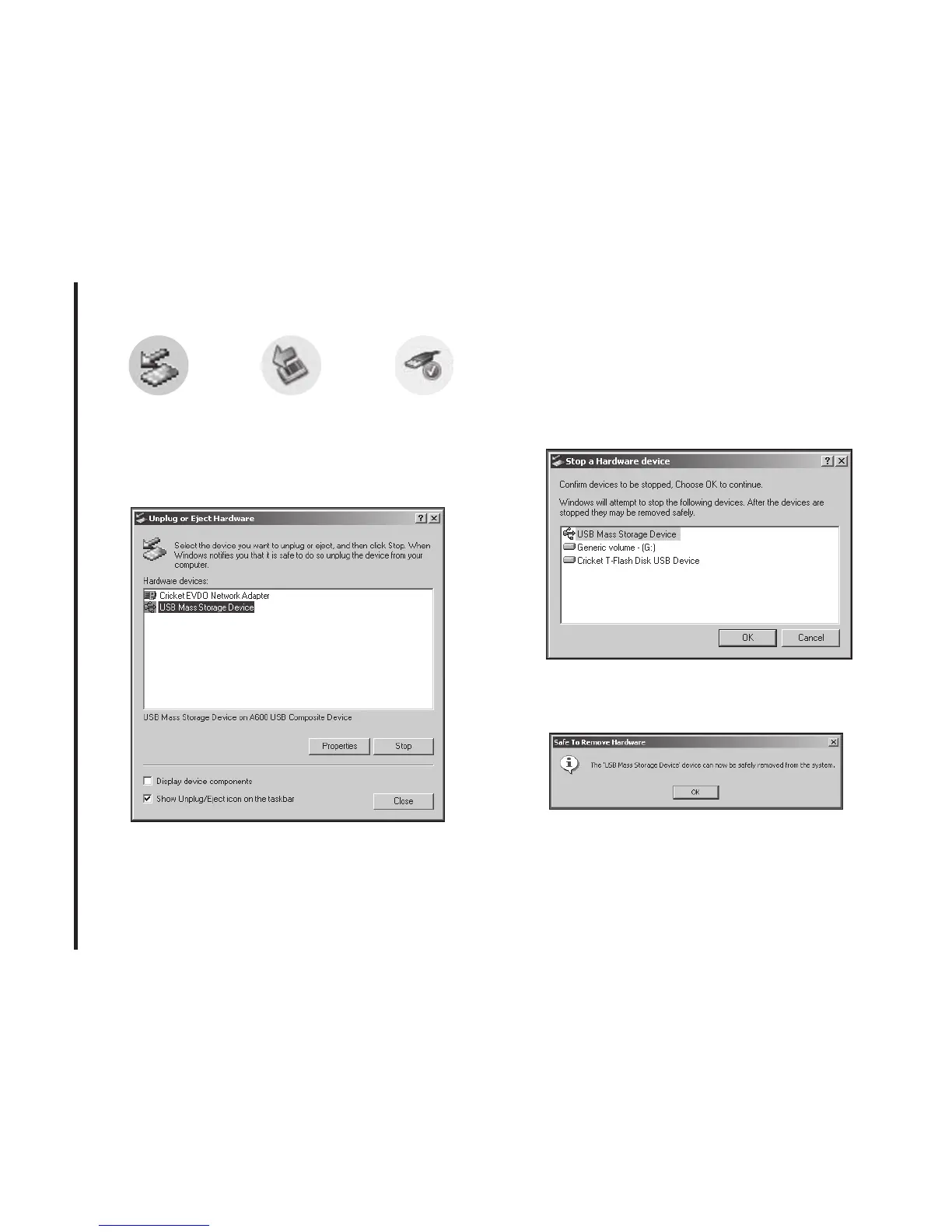
1) Unplug or Eject Hardware with Windows
2000
• As shown in the above gure, “Cricket
EVDO Network Adapter” or “USB Mass
Storage Device” options will be displayed
in the Hardware devices list of Windows
2000. Select the “USB Mass Storage
Device” and click the “Stop” button.
• Select either of the “USB Mass Storage
Device” and click the [OK] button.
• The dialog box above will appear. Click the
[OK] button.
Windows 2000
Windows XP
Windows Vista



 To Next Page