31
5. INSTALLING CRICKET A600
• The above window will appear. It is now
safe to unplug the Cricket A600.
2)
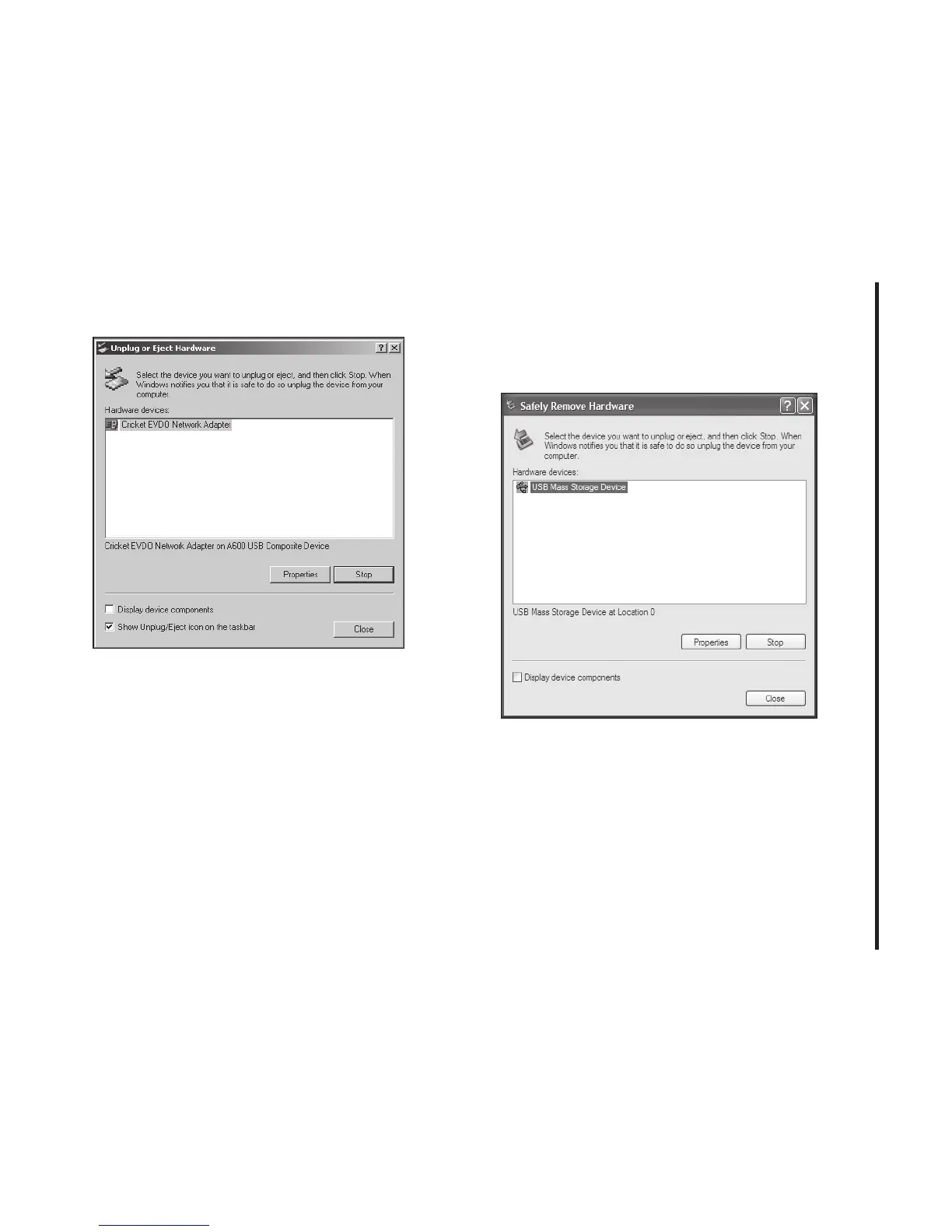
Unplug or Eject Hardware with Windows
XP
• As shown above, only one “USB Mass
Storage Device” option will be displayed
in Windows XP. Select “USB Mass Storage
Device” and click the [Stop] button.



 To Next Page