14
2. INSTALLATION AND SETUP FOR CRICKET BROADBAND
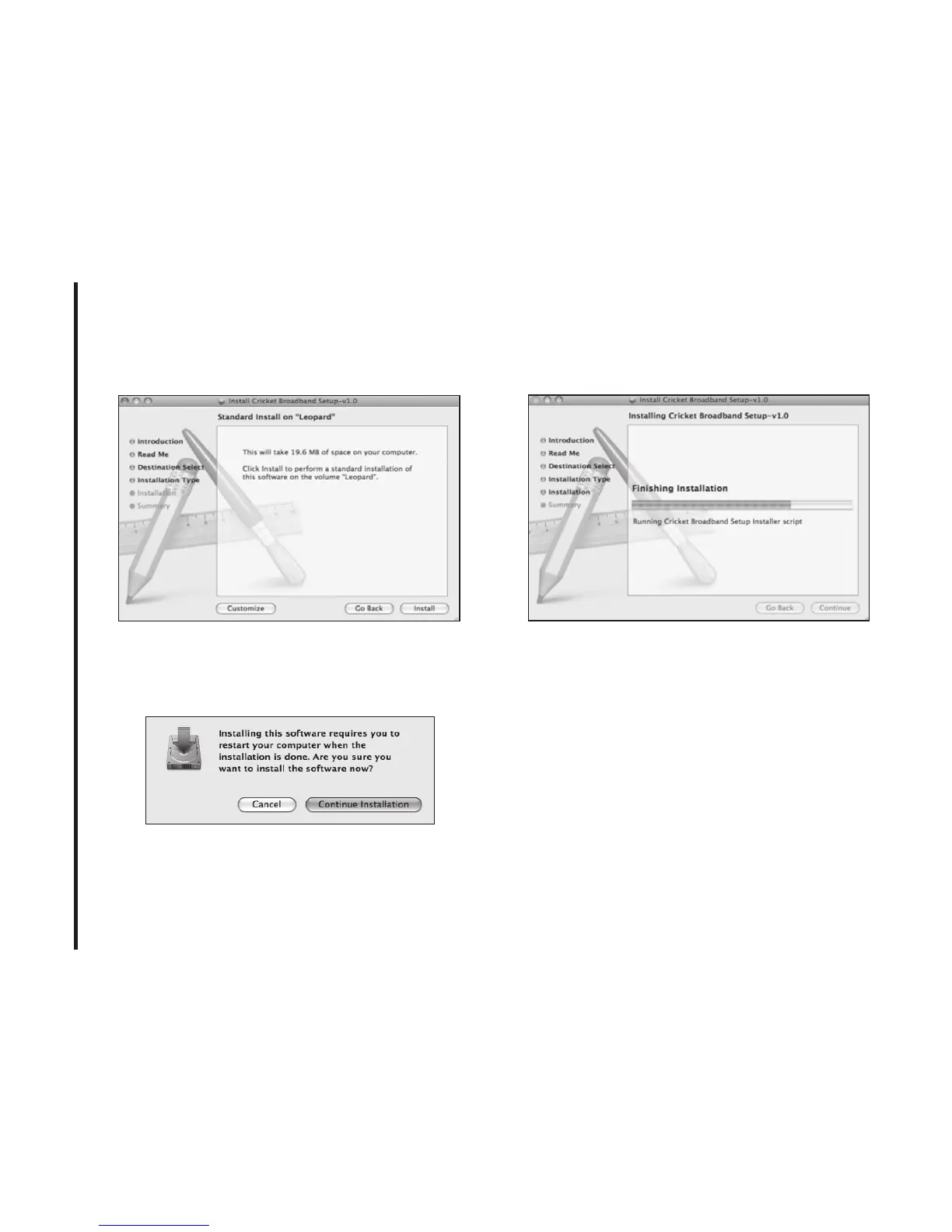
S TEP 4:
Click [Install] to begin the standard
installation on system volume.
S TEP 5:
Finally, the Setup Wizard shows
confirm window, click the [OK] button to
continue.
Enter the Name/Password used to log into
the computer then click [OK].
S TEP 6:
Cricket Broadband installation
begins.



 To Next Page