18
3. USING CRICKET BROADBAND
connected.
When not connected, the status text in the
lower left corner will display “Not
connected” for the currently selected
network. The timer will display “00:00:00”.
Once connected, the status text will display
“Connected” and the timer will begin to run.
Right clicking on the tray icon provides
various options and double clicking on it will
always show the application. Placing your
cursor on it will display the current
connection status.
Based on your preferences, your browser,
e-mail, or program of your choice can be
launched automatically upon connection.
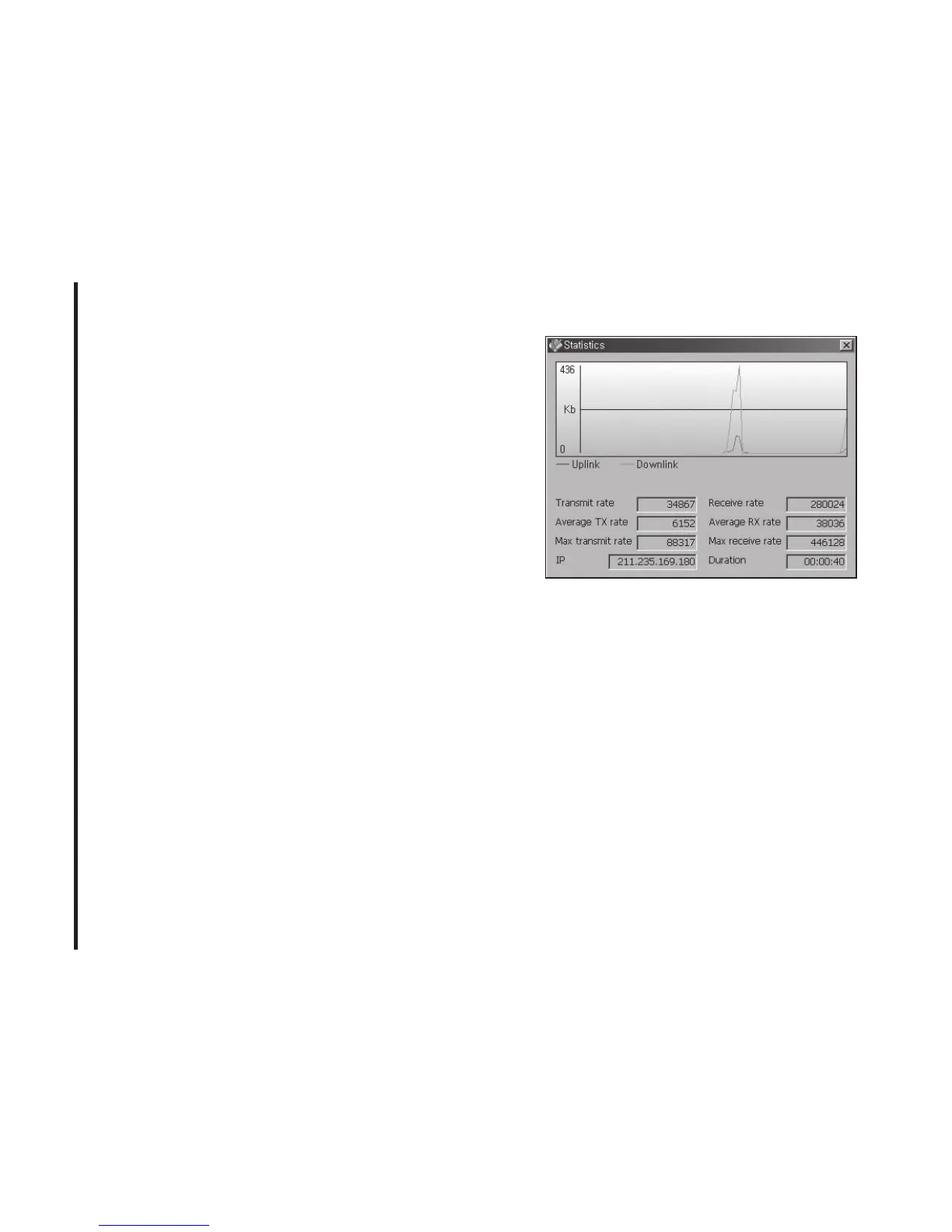
At any time during your connection you can
check your current connection speed and
throughput stats in the Statistics window. To
see this window, select “Statistics” from the
“Session” menu.
Using the “Data” connection:
By default Cricket Broadband enables the
software for data connections.
If your connection fails when you try to
connect, please try to reconnect.
Dormancy:
The data session becomes dormant if you
are not sending or receiving any data. As
soon as you resume sending or receiving
data, the data session will return to an



 To Next Page