Cryo-con Model 24C Front Panel Menu Operation
Input Channel Configuration Menu
These menus contain all of the user-configurable parameters for a selected sensor
input channel.
Use the navigation keys to
move around the list.
When the cursor (+) is
located to the left of the
ChA indicator, channels B,
C and D may be displayed
by pressing the + key. To
sequence in the reverse
direction, press the 0 key.
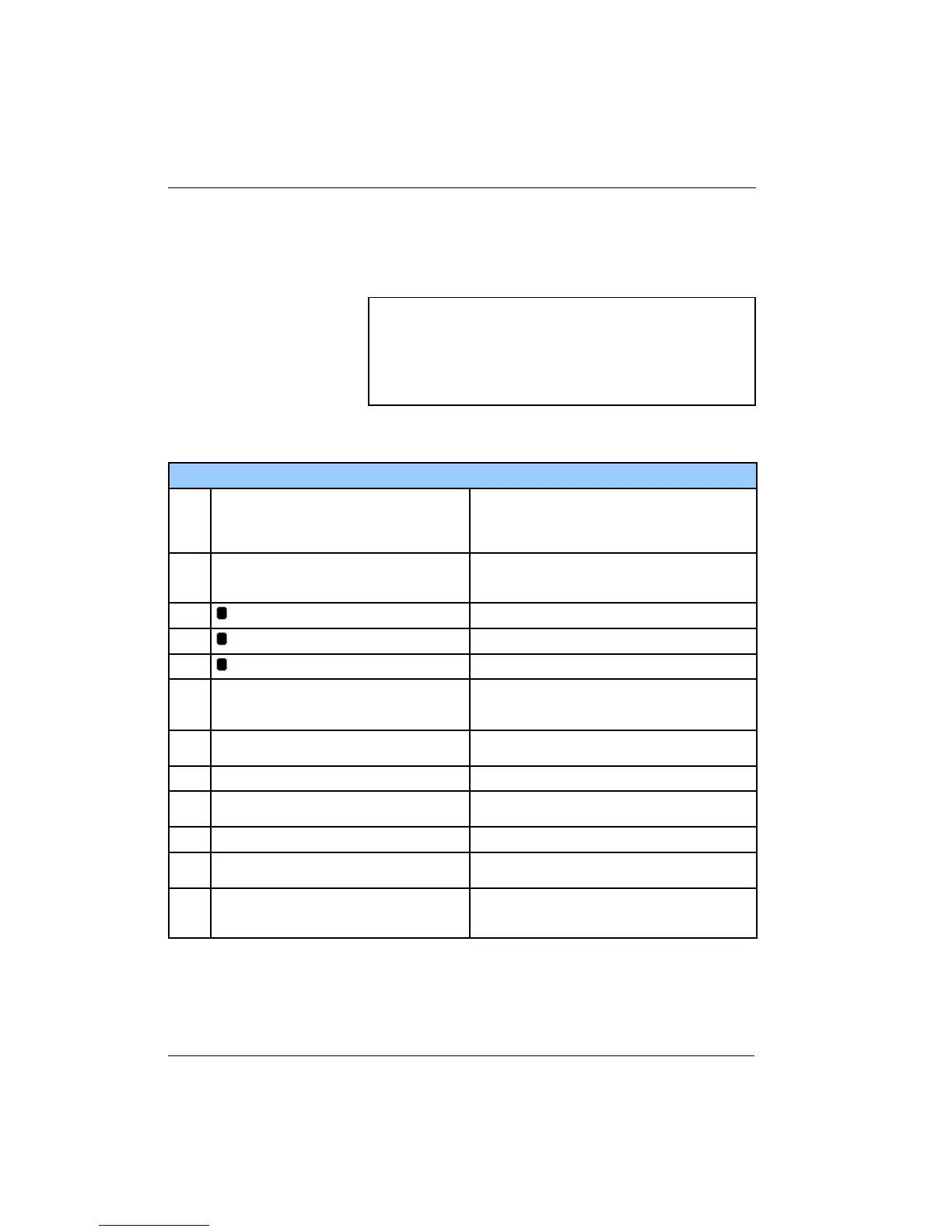
Input Channel Configuration Menu
1
+ 1.543K --
Input channel units. Selections are K, C, F or S.
Here, S selects primitive sensor units. When S is
selected, the actual sensor units of Volts or Ohms
will be displayed.
2
+
Sensor type selection. Allows selection of any
user or factory installed sensor. The 20 shown
indicates that the current sensor is number 20.
3
Input Config.
Go to the input configuration menu.
4
CalGen
Go to the CalGen screen.
5
Statistics
Go to the input channel statistics screen.
6
Setpoint for the High Temperature alarm. Use the
keypad for numeric entry and then press the
Enter key.
7
+
High temperature alarm enable. Selections are
Yes or No.
8
Setpoint for the Low Temperature alarm.
9
+
Enables latching alarms on the selected input
channel.
10
Deadband: 0.250
Alarm dead-band.
11
+
Enables the internal audio alarm to sound on any
enabled alarm condition.
12
+
Enables or disables latching alarm conditions. A
latched alarm is cleared by pressing the Alarm
key followed by Home key.
Table 17: Input Channel Configuration Menu
52
ChA:Sample Holder
High Alarm:100.00
+ 1.543K -- High Alarm Enable:No
Low Alarm: 10.00
Sen:32 RO-600 Low Alarm Enable:No
Input Config Deadband: 0.25
CalGen Latched Enable:No
Statistics Audible Enable:No



 To Next Page