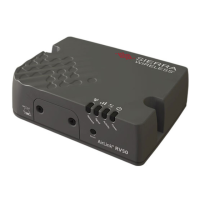
RV50 Sierra Wireless AirLink® 4G LTE Cellular Modem
22
8. Operation
8.1 Ports
RS-232
The RS-232 port is the main port used with Campbell Scientific dataloggers.
Its function is described throughout this manual.
USB
The USB port is not used in Campbell Scientific applications.
Ethernet
The Ethernet port may be used in place of PPP Mode to get to the IP stack of
the datalogger. However, this method comes with higher current drain for both
the modem and the datalogger. See Appendix D, Using the RV50 Ethernet Port
(p. D-1), for more information.
8.2 LED Indicator Lights
When your RV50 is connected to power and an antenna, there is a specific
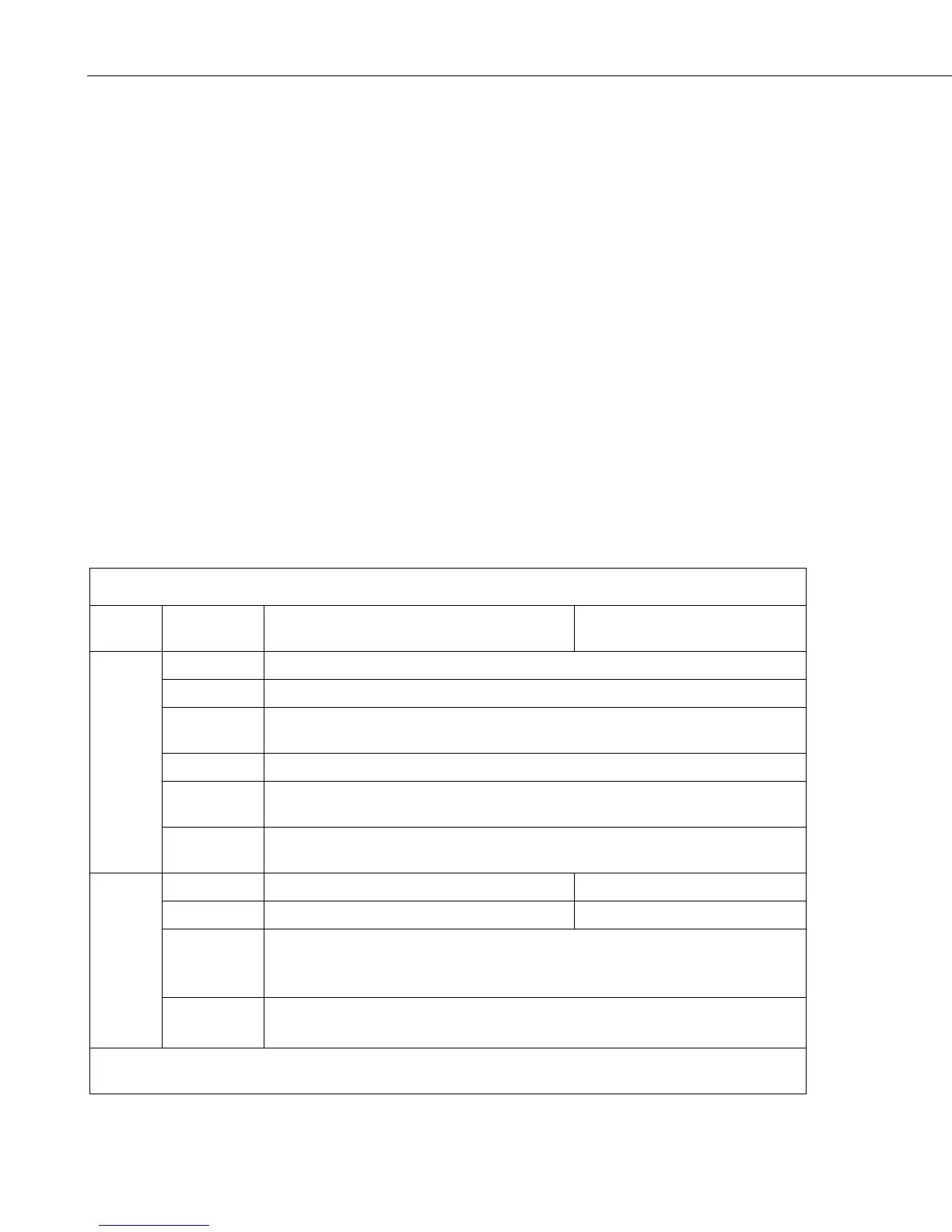
pattern to the lights to indicate its operation mode as described in TABLE 8-1.
TABLE 8-1. LED Indicator Lights
LED
Color /
Pattern Description LED Power Saving Mode
Power
Off No power or input voltage ≥ 36 Vdc or ≤ 7 Vdc
Solid Green Power is present.
Green with
Amber Flash
Power is present and the gateway has a GPS fix.
Solid Red Standby mode
Flashing
Green
When you press the reset button, flashing green indicates when to release the reset
button to reboot the gateway.
Flashing Red
When you press the reset button, flashing red indicates when to release the reset
button to reset the gateway to the factory default settings.
Signal
Solid Green Good signal (equivalent to 4–5 bars) Off
Solid Amber Fair signal (equivalent to 2–3 bars) Off
Flashing
Amber
Poor signal (equivalent to 1 bar)
If possible, Sierra Wireless® recommends moving the gateway to a location with a
better signal.
Flashing Red
Inadequate (equivalent to 0 bars)
Sierra Wireless recommends moving the gateway to a location with a better signal.
NOTE The quality of the signal strength is measured using the appropriate parameters for the radio
technology in use.


 To Next Page