Appendix D. Using the RV50 Ethernet Port
D-2
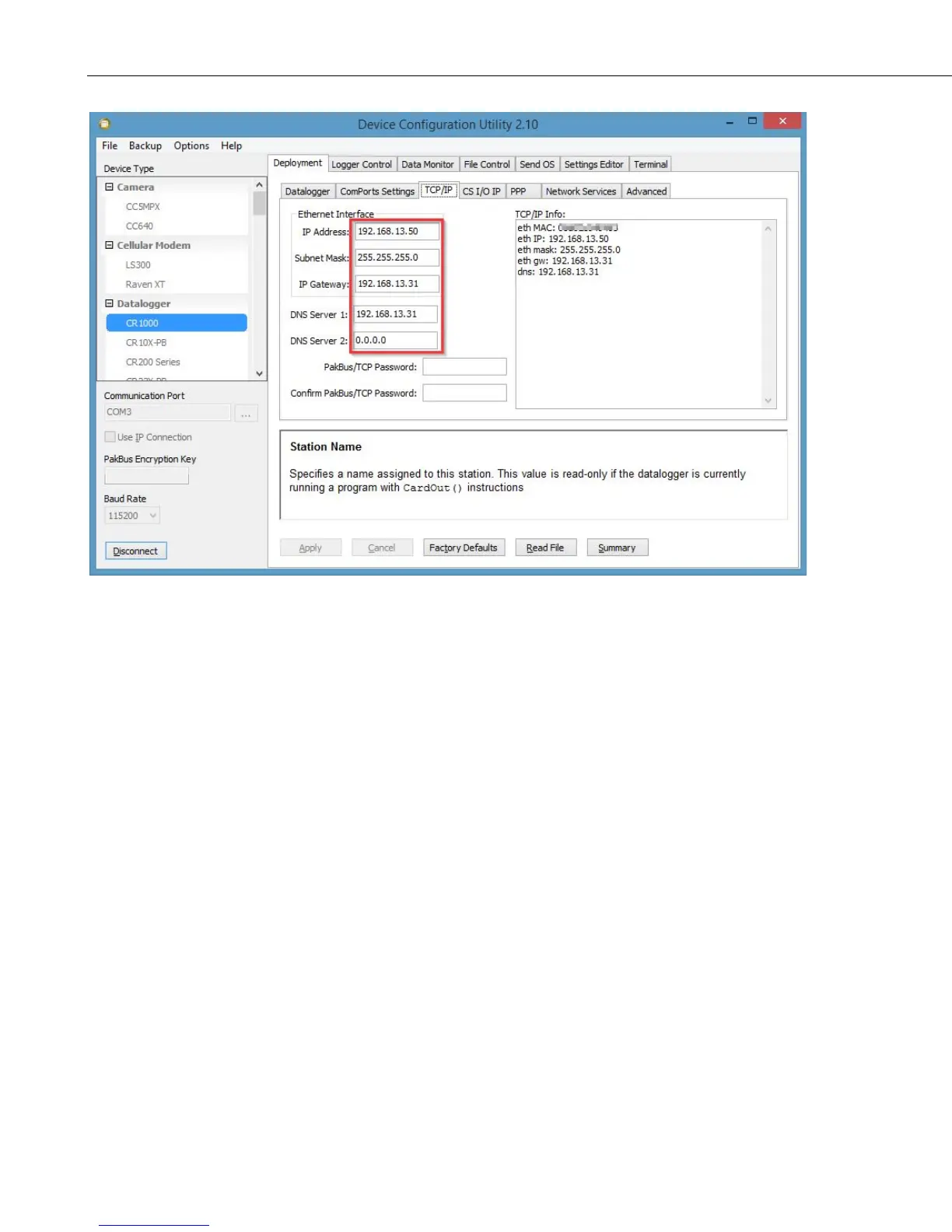
Once the RV50 and the CR1000 have been configured and the RV50 has been
rebooted, you can communicate with the CR1000 via LoggerNet using the
public IP address of the RV50 and port 6785. You can also open a web browser
and enter the public IP address of the RV50 to see the default web page of the
CR1000.


 To Next Page