Cuddeback
®
IR Operating Instructions
What You Need
1. One or more secure digital (SD) cards.
Compatible with SD cards up to 32GB.
2. Eight AA batteries (we recommend
Rayovac
®
or Duracell
®
brand batteries).
3.
When Cuddeback
®
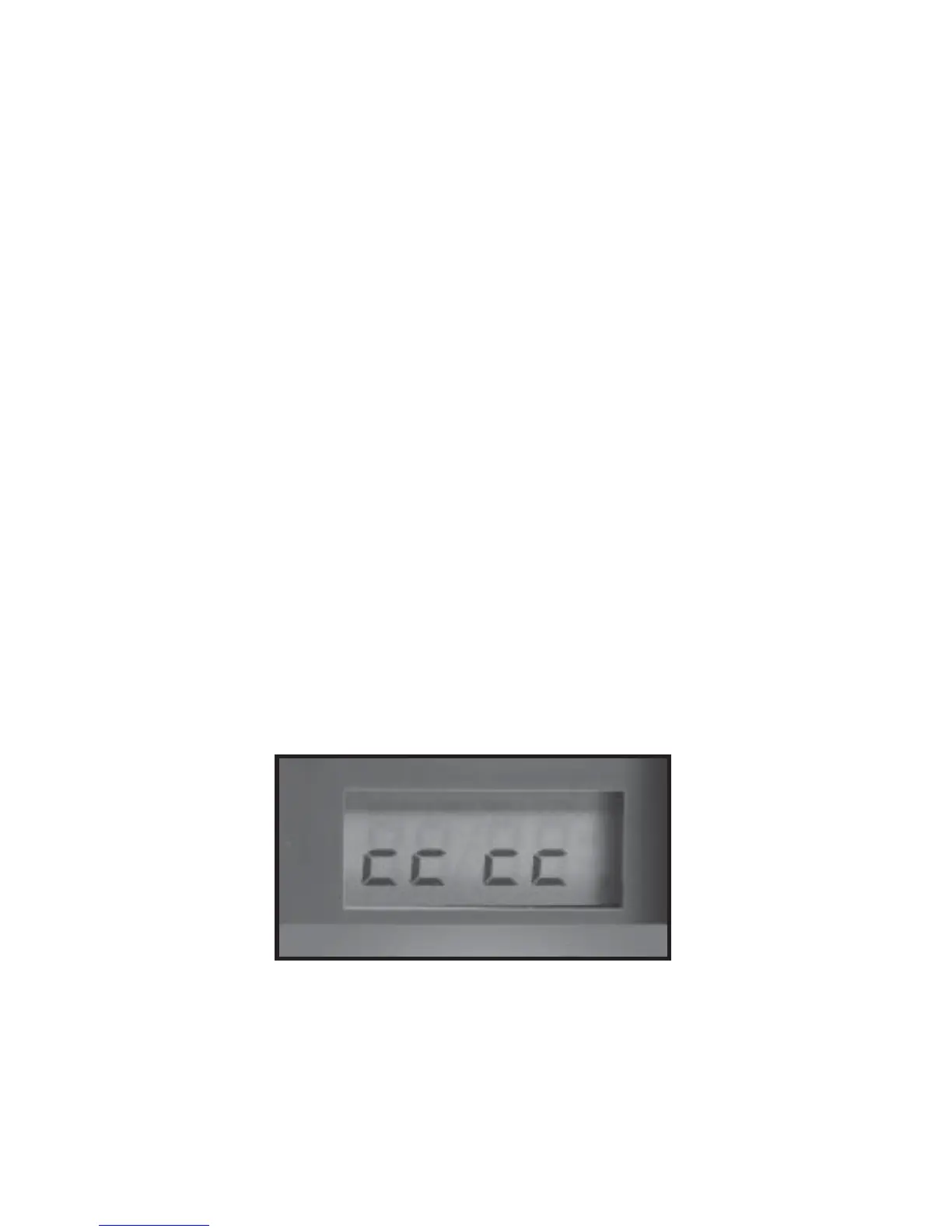
IR is running it displays
an
electronic “worm” on the LCD. This worm scrolls
around the LCD to indicate that you must not remove
the SD card, must not turn the rotary knob, and must
not press any button. Please be patient and wait for
the worm to go away before removing the SD card.
“Worm”
1


 To Next Page