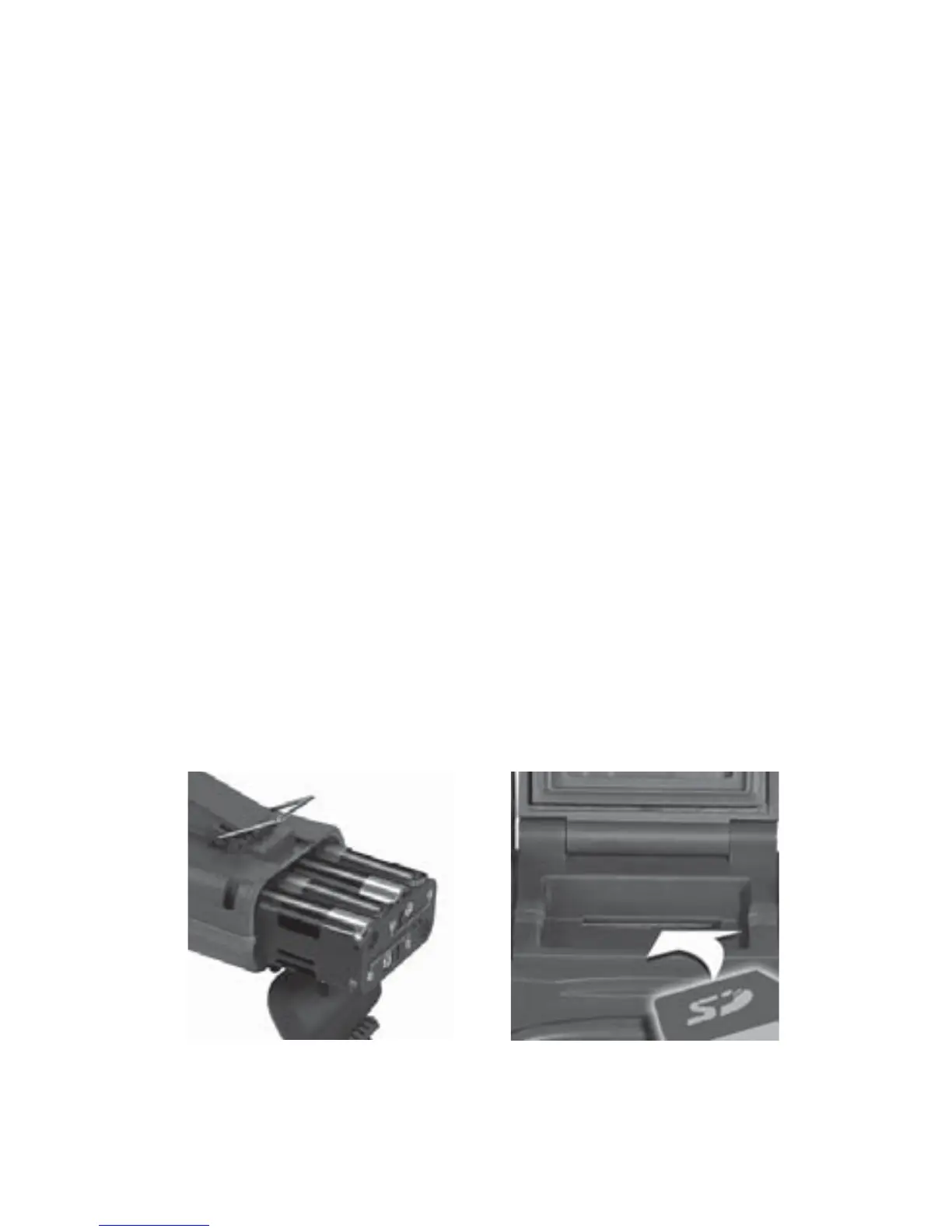
Step 2: Installing Batteries and SD Card
1. Turn the rotary knob to the OFF position.
2. Open latch to the battery compartment door.
Install 8 AA alkaline or 8 AA lithium batteries.
Lithium batteries will
provide longer battery life
and better night IR images.
Make sure to observe
correct polarity. Close the door and secure latch.
3.
A series of numbers display. These are the
Cuddeback
®
IR camera’s
hardware and software
version numbers.
4. Wait until the LCD display goes blank and the
green and red LEDs are off.
5. Install your SD card. Be sure to observe the correct
polarity, with clipped corner on the card to the right.
Bottom View Top View
Battery Install SD Card Install
4


 To Next Page