14
01045704 A 09/24
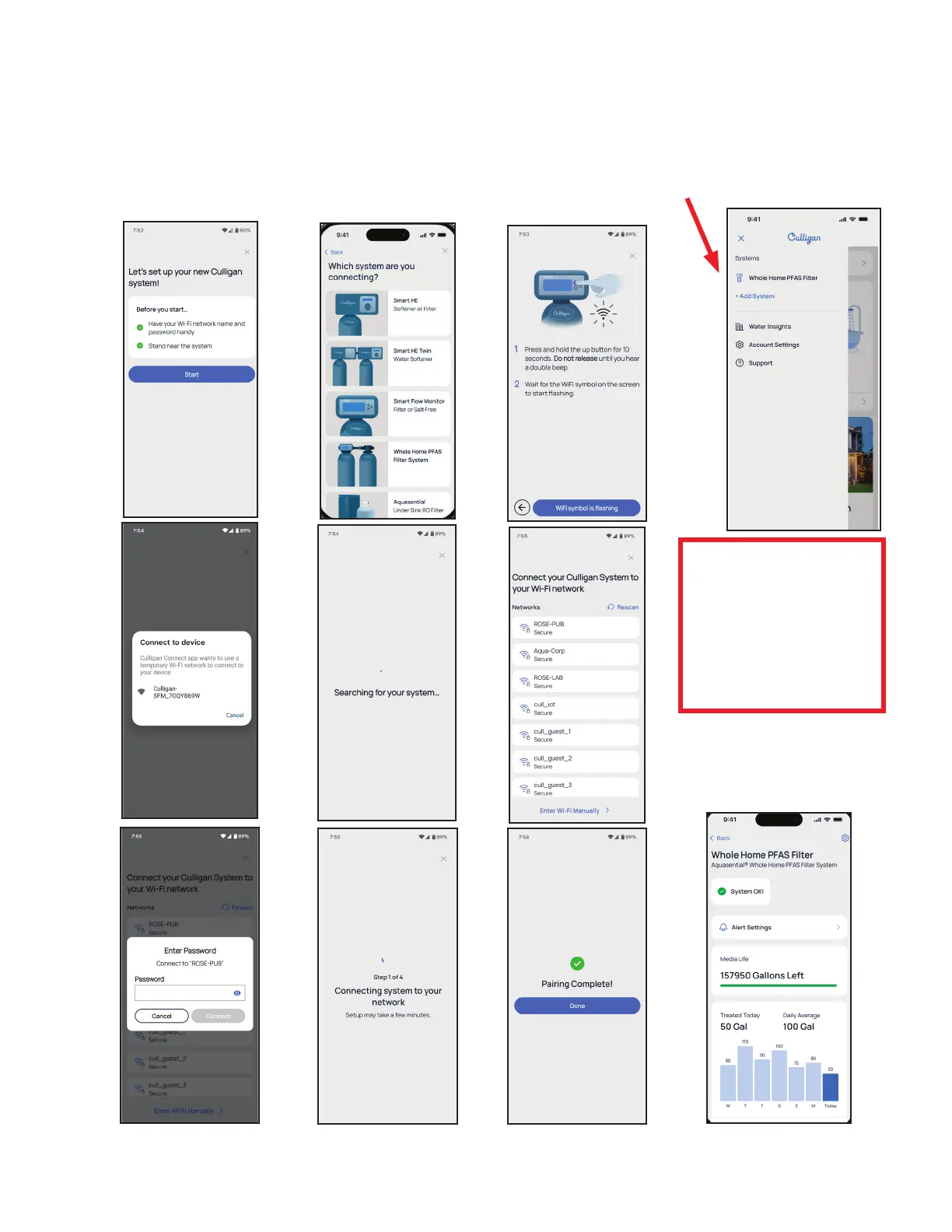
Android Pairing
In the Culligan Connect app, select “Add System�”
This is located in the menu in the upper left of the screen, or use “Add System” located on the main dashboard�
Follow the Setup Wizard
Watch the Wi-Fi icon on the
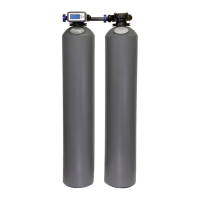
Smart Flow Monitor display
• Flashing WiFi icon to start
• Solid icon appears
• Unit is now paired
• Pairing Complete page
shows up
When the wizard is complete,
it will return to the dashboard�
Verify that the Whole Home
PFAS Filter appears on the
Culligan Connect dashboard�



 To Next Page