Selection of the program type
It is a basic requirement for the selection of the program type that the display field
the previous program type
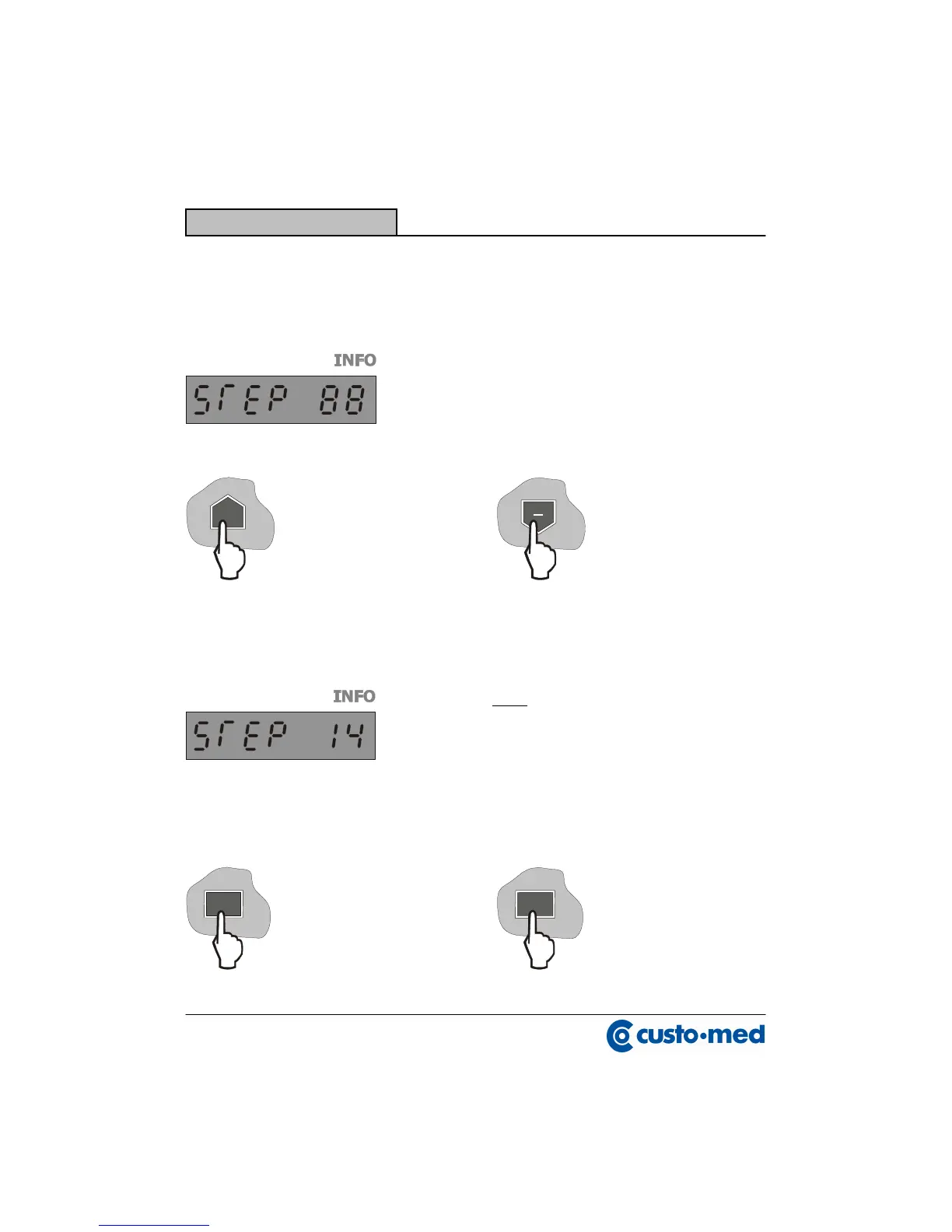
The program type „STEP“ has been selected, if the
contraction „STEP“ is indicated in the
Both the digits describe the number
of the programmed steps ( 14 ).
By pressing the key „START/PAUSE“
By pressing the key „STOP“ the
the current value is taken over and it is
transmitted for the entry of the pulse.
The set value is taken over.


 To Next Page