Interval Memory Mode
1) To access stored interval information
press [UP ARROW] or [DOWN ARROW] to
scroll to the interval line (See Interval
Mode) and hold [MODE] for two (2) sec-
onds. This brings interval mode to the fore-
ground. Press [MODE] to move interval
numbers up, and [SELECT] to move interval
numbers down. Current intervals read black
[INT] and memory intervals read white
[INT] in a black box.
CLOCK
02:06:07P
MPH
CAD
MENU
WATTS
HR
H
INT: 2
Find
Hub consoles are “paired” or “learned” at the factory.
Learning involves viewing and storing each device
ID into the console.In addition, there is a feature
called “Find” that allows the user to searh for stored
devices in the event a sensor has lost contact with
the console for any reason. To initiate the Find, hold
[Mode] and [Select]. Release when “Find” appears
on the bottom of the screen after about 2 seconds.
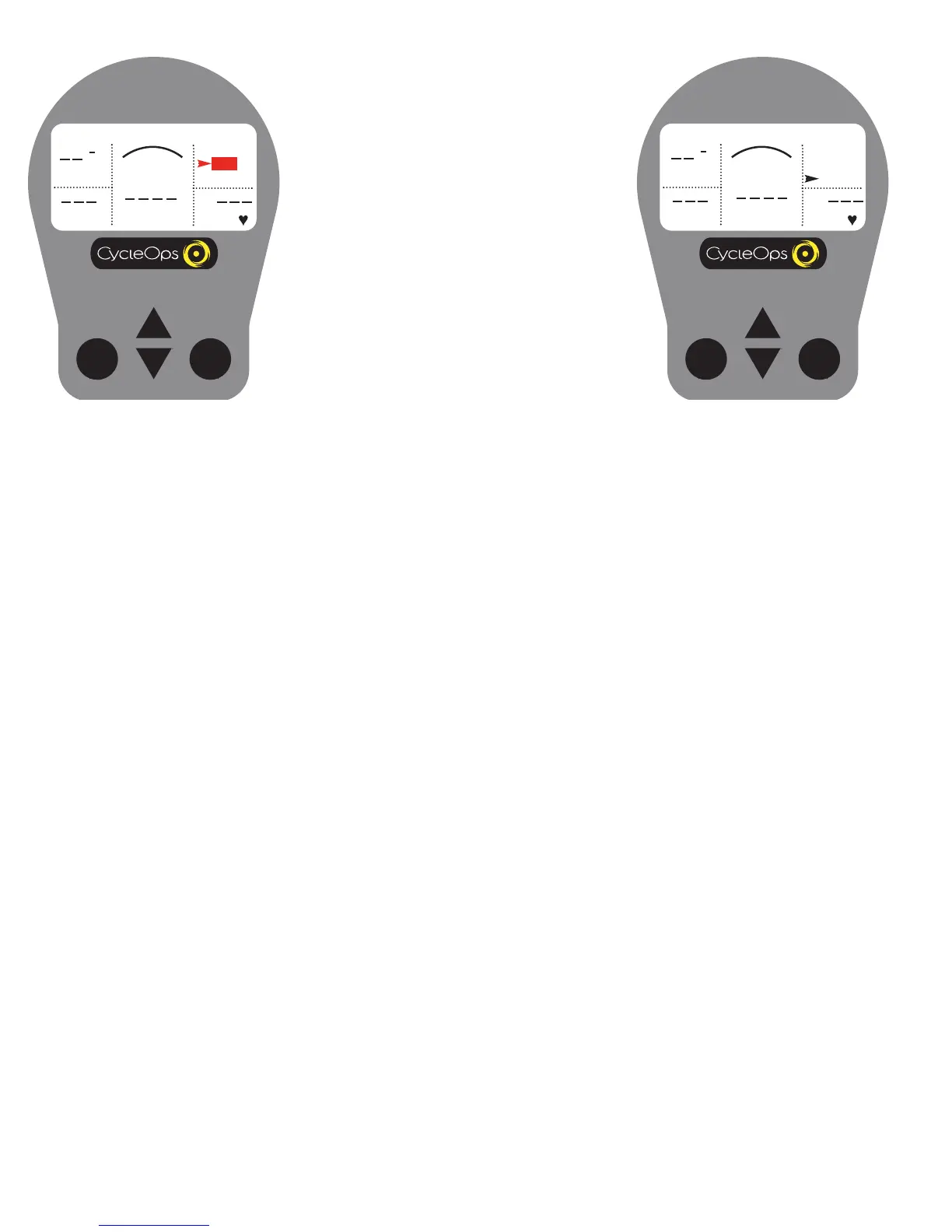
When the search is successful
, the transmission icon
appears in the upper right corner.
CLOCK
02:06:07P
MPH
CAD
MENU
WATTS
HR
FIND
Console Find
Find
From the dashboard display, press and hold
[Mode] and [Select] until find appears and
release (approx. 2 seconds).


 To Next Page