15
Setup (Averages)
These settings allow for better pacing during
Time Trial efforts by allowing for a slower update
of the display. Changing these settings applies
only the display console and does not affect the
recording rate for download
Setup (Averages) 1
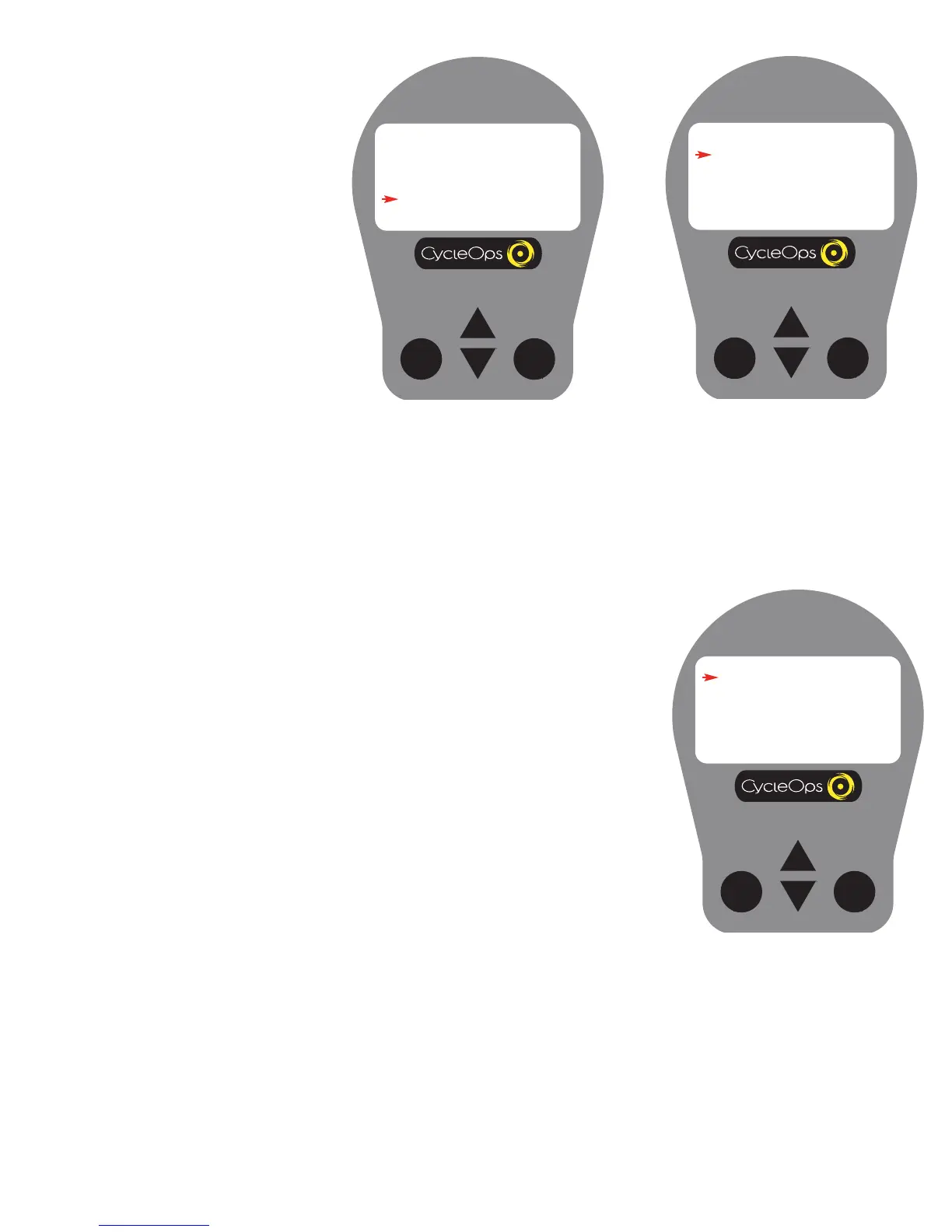
1) From [MAIN MENU] press [DOWN
ARROW] to scroll to [SETUP] and press
[SELECT].
MAIN MENU
RETURN TO RIDE
CLEAR MEMORY
TEST
SETUP
Setup (Averages) 3
5) Press [SELECT] to enter [WATTS AVG].
Press [UP ARROW] or [DOWN ARROW] to
determine the number of previous data
points used (1, 2, 3, 5, 10, 30) to determine
the average metric display on the console.
This function applies only to console data
averages and does not apply to down-
loaded information. Press [SELECT] to
accept changes and reenter the scrolling
menu.


 To Next Page