Energy in KJ
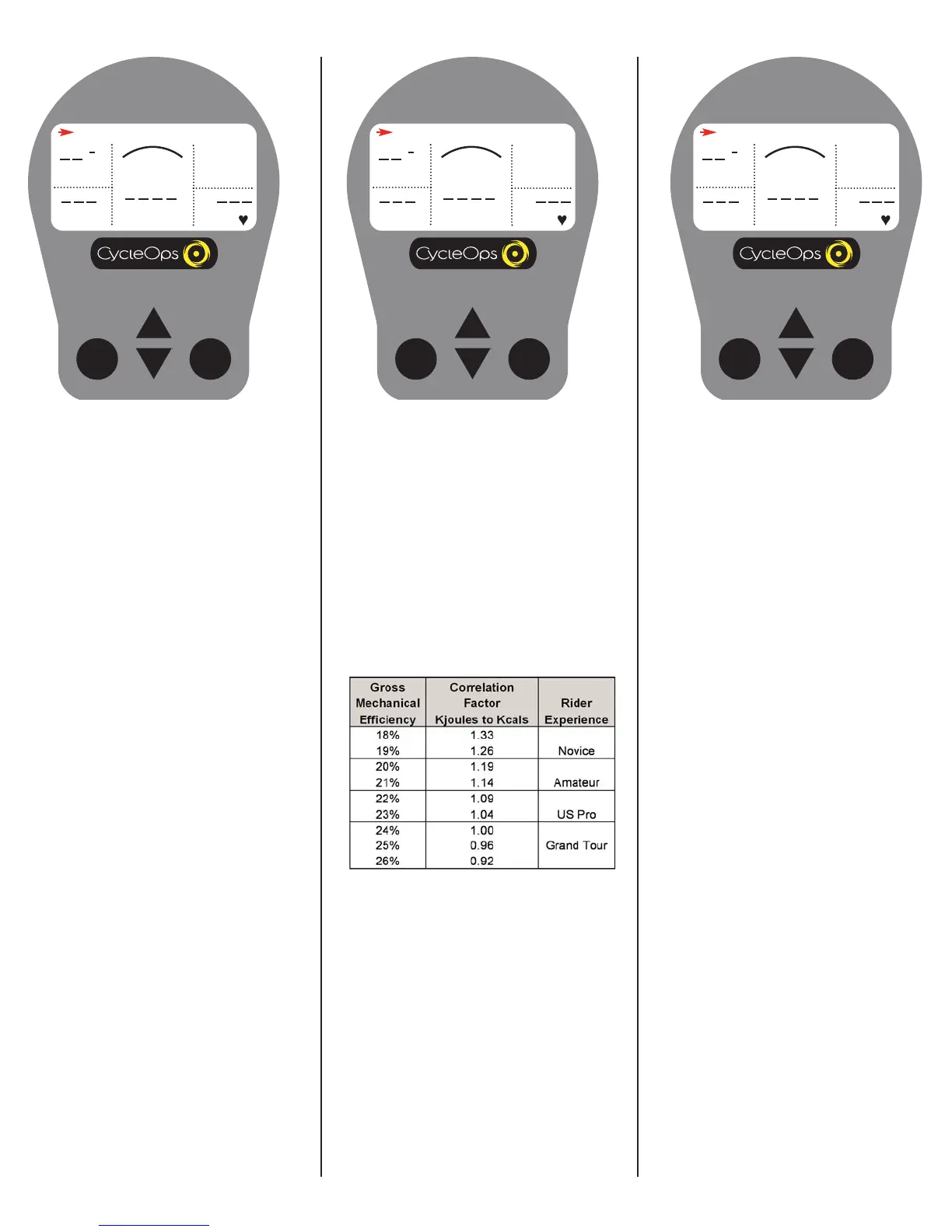
This value is a measure of the total work
done over the course of your ride. Power is
displayed in watts and is a measure of the
intensity of work. Energy is calculated using
the following equation. See Table 1 for an
accurate estimate of Kjoules to Kcal conver-
sion.
Work or Energy (Joules) = Watts (Power) x
Time (Seconds)
ENERGY IN KJ
0
MPH
CAD
MENU
WATTS
HR
H
Odometer
This is a rolling tally of the distance that you
have ridden the CycleOps Indoor Cycle.
This can be displayed in Miles or Kilometers
(see "Settings (Recording Rate, Speed,
Odometer, Audible)" for details).
ODOMETER
255
MPH
CAD
MENU
WATTS
HR
H
Estimated Caloric Correlation Factor- For an
accurate estimate of Kcals, multiply the
[ENERGY IN KJ] by the correlation factor best
describing your riding experience.
Table 1


 To Next Page