7
Console Navigation
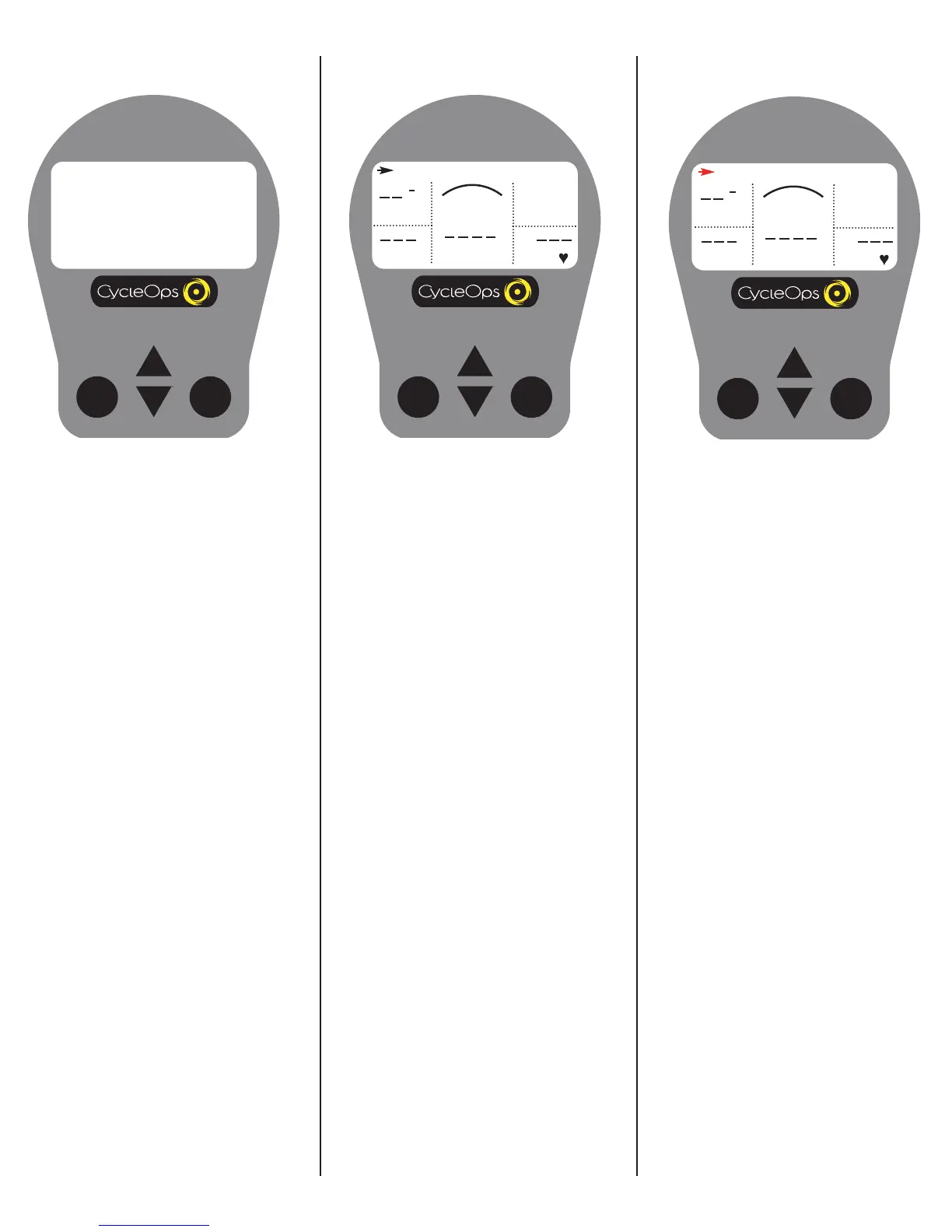
UP and DOWN ARROWS
[UP ARROW] and [DOWN ARROW] are used
to scroll through the different fields on the
console. [UP ARROW] and [DOWN ARROW]
can also be used to move the navigation
cursor on the [MAIN MENU]. Additionally,
these arrows are used to increase or
decrease values when establishing user pro-
file features.
MODE and SELECT Buttons
Use [MODE] to toggle between different
menu options and to enter the interval
mode (See [INTERVAL MODE] for further
details). Use [SELECT] to ent
er a new menu
screen. It also functions as an "enter" func-
tion to escape a screen after making your
selection.
Display Definitions
(Scrolling Top Bar)
SCROLLING TOP BAR - From the dashboard
display press [UP ARROW] or [DOWN
ARROW] to move the cursor to the top bar
and press [SELECT] to toggle through func-
tions.
RIDE TIME
00:00:00
MPH
CAD
MENU
WATTS
HR
H
Distance
DISTANCE - Total trip or interval distance is
displayed in miles or kilometers from 0.00
to 999.99. Distance displays in the same
units as speed.
DISTANCE
0.00
MPH
CAD
MENU
WATTS
HR
H
Console Navigation FunctionsDashboard Display


 To Next Page