20
Setup (Coded Sensor ID)
Console Setup (Coded Sensor ID)
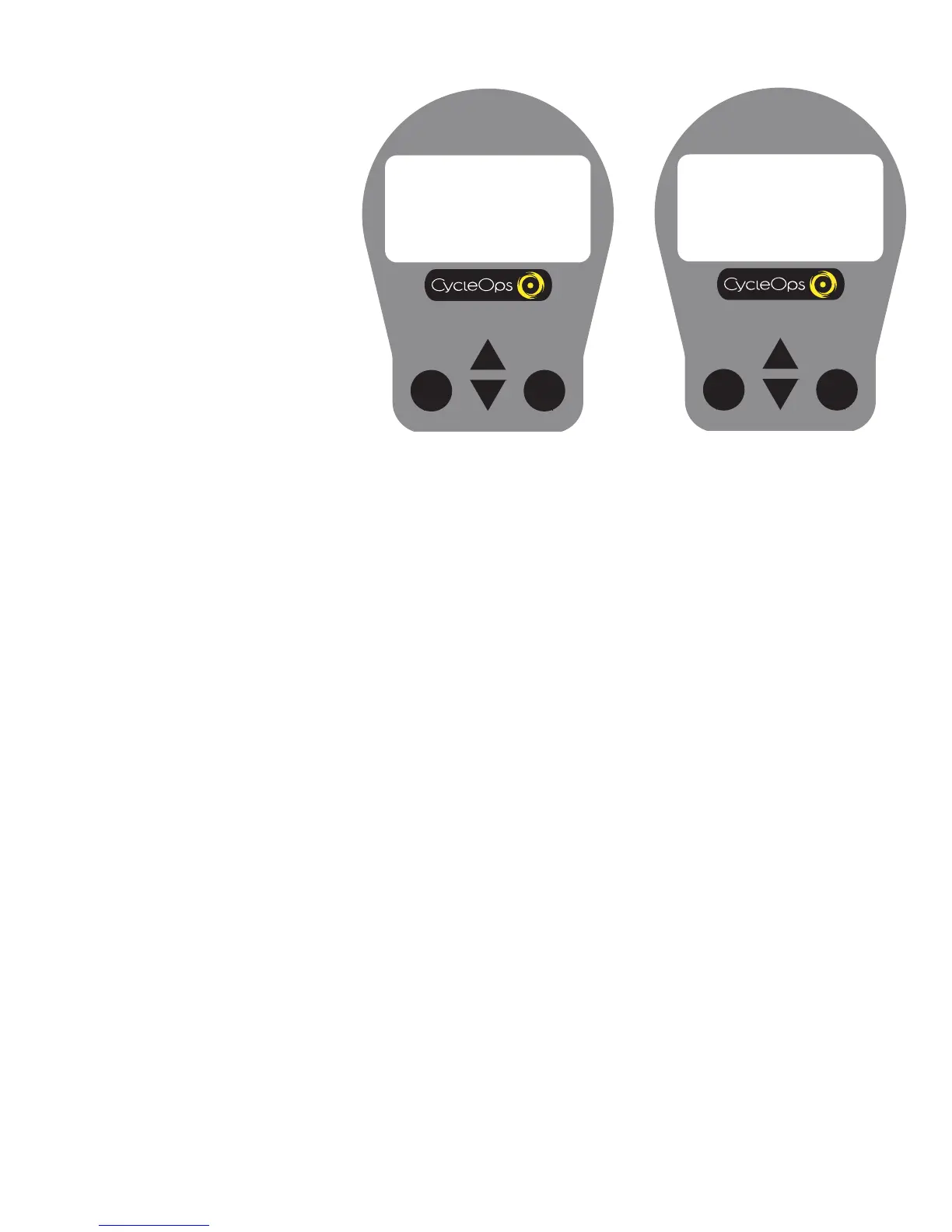
This setup allows the console to learn a new device or
sensor suchas the hub, heart rate strap or cadence
sensor. NOTE: This process only needs to be used if a
new sensor or hub is being used in conjunction with
your console or vice versa. There are 2 learn
sequences, 1 and 2 use learn 1.
CODED SENSOR ID
HUB 00000
SPEED 00000
HEART 00000
RESET
RETURN
1. To manually change the hub I.D. Push [Select] to
toggle through the Hub I.D. Press [Mode] to save.
CODED SENSOR ID
HUB LEARN 1
SPEED 00000
HEART 00000
RESET
RETURN
2. If you need to “learn” the hub ID, [Select] to
advance through the Hub I.D. settings to learn 1.
NOTE: Make sure the hub is “awake” by spinning
the wheel.
3. Learn 1 is initiated by Holding [Select] until
“learn” begins flashing. When the console has
learned the device I.D. it wil display the I.D. Press
[Up or down arrow] to advance to the next device
I.D. If it did not learn the device it will take you
back to the most recent I.D.
4. Follow the above steps for any addit
ional sen-
sors you may be using, such as the heart rate strap
or cadence sensors.


 To Next Page