EasyManua.ls Logo

CycleOps PRO 300PT - Console Status Indicators; Clock Display; Transmission Signal Icon; Metric Value Display Modes

CycleOps PRO 300PT
126 pages
Print Icon
To Next Page IconTo Next Page
To Previous Page IconTo Previous Page
Loading...
9
SELECT
MODE
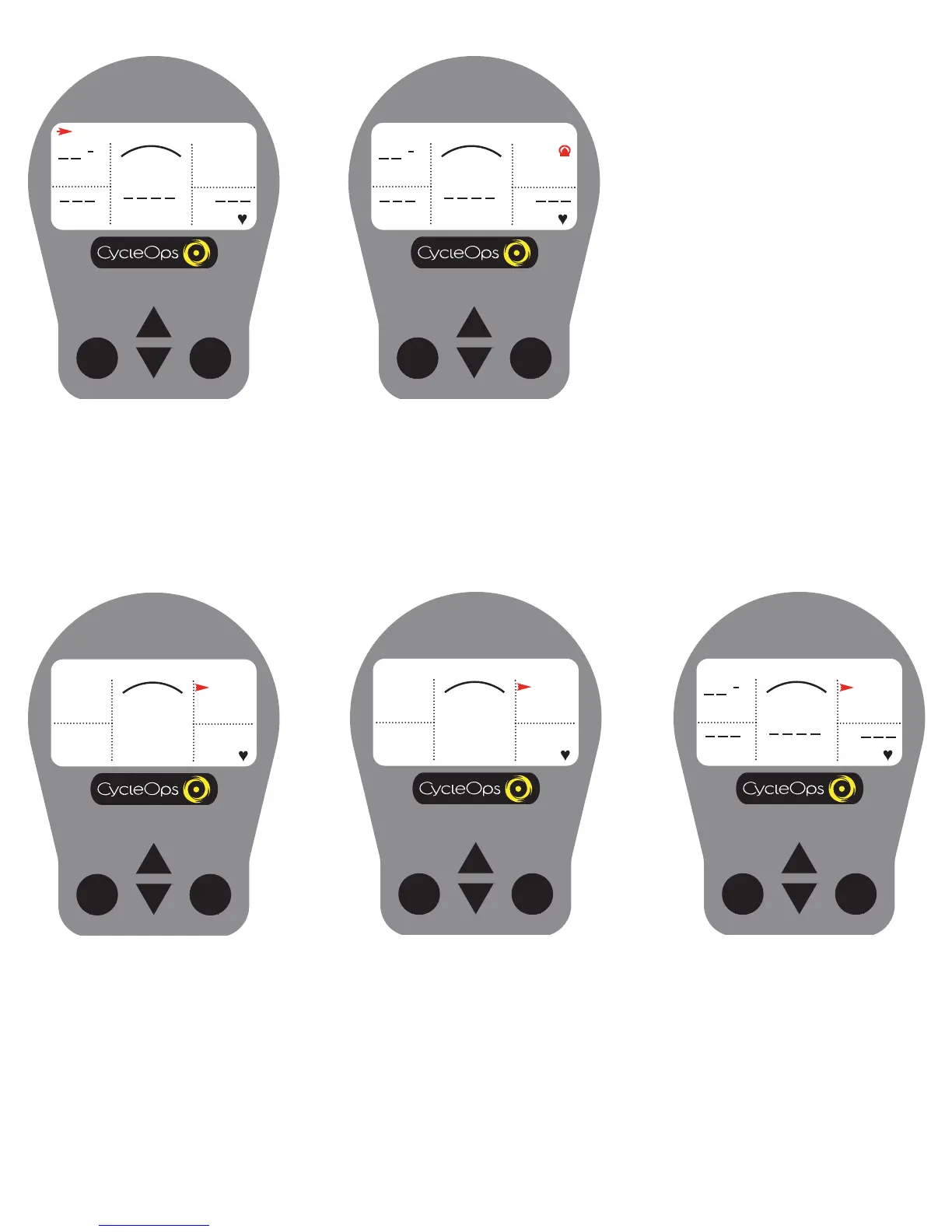
MAX, AVG, and CURRENT Field
This line displays the current, maximum or average values for the ride or interval. From the dashboard display, press [UP ARROW] or [DOWN ARROW] to
move two spaces above [MENU]. Press [SELECT] to toggle between [MAX], [AVG], and current readings. Current readings are displayed when field is blank.
CLOCK
02:06:07P
MPH
CAD
MENU
WATTS
HR
H
SELECT
MODE
Clock
A real-time display of the current time of the
day (see "Setup (Time and Date)" for details)
CLOCK
02:05:28P
MPH
CAD
MENU
WATTS
HR
H
MAX
0
0
0
0
0
SELECT
MODE
Average
CLOCK
02:06:07P
MPH
CAD
MENU
WATTS
HR
H
AVG
0
0
0
0
0
SELECT
MODE
Current
CLOCK
02:05:28P
MPH
CAD
MENU
WATTS
HR
H
SELECT
MODE
TRANSMISSION ICON
When this icon is showing, there is a signal
transmitting from the hub to the receiver.
CLOCK
02:05:28P
MPH
CAD
MENU
WATTS
HR
H
Maximum

Table of Contents

Related product manuals