18
Setup (Time & Date) 1
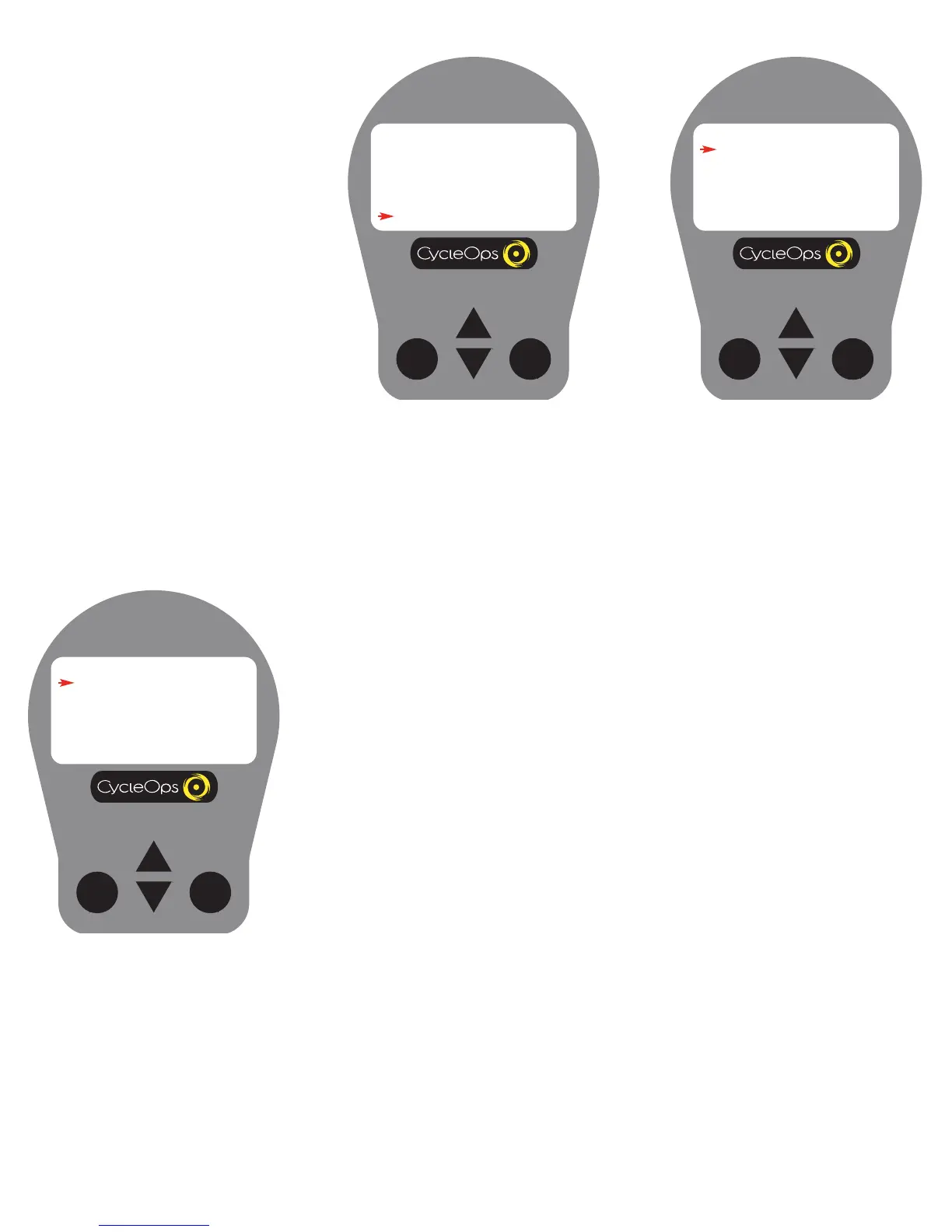
1) From [MAIN MENU] press [DOWN
ARROW] to scroll to [SETUP] and press
[SELECT].
Setup (Time & Date) 2
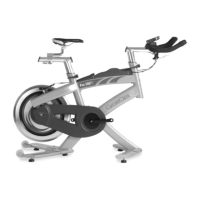
2) Press [SELECT] to enter [TIME AND
DATE].
SETUP
TIME AND DATE
MODES
RETURN
Setup (Time and Date)
Note: Be sure to set time and date as rides will
appear in PowerAgent software based on con-
sole settings.
Setup (Time & Date) 3
3) Press [SELECT] and [DOWN ARROW] to toggle between a12 or 24 hour clock. Press [SELECT] to accept
changes and reenter the scrolling menu.
4) Press [DOWN ARROW] to scroll to [TIME] and press [SELECT].
5) Press [SELECT] and [UP ARR OW] or [DOWN ARROW] to enter time digits. Press [SELECT] to toggle
through numbers. Press [SELECT] to accept changes and reenter scrolling menu. NOTE: Scroll through
hour digits to select AM or PM times. The user is unable to modify the metric of "seconds" time function.
6) Press [DOWN ARROW] to scroll to [DATE] and press [SELECT].
7) Press [SELECT] and [UP ARR OW] or [DOWN ARROW] to enter date digits. Press [SELECT] to toggle
through numbers. Press [SELECT] to accept changes and reenter scrolling menu.
8) To begin a ride, press [DOWN ARROW] to scroll to [RETURN] and press [SELECT]. Press the [DOWN
ARR
OW] to scroll to [RETURN] and press [SELECT].


 To Next Page