11 of 29Fly6 CE603 User Guide |
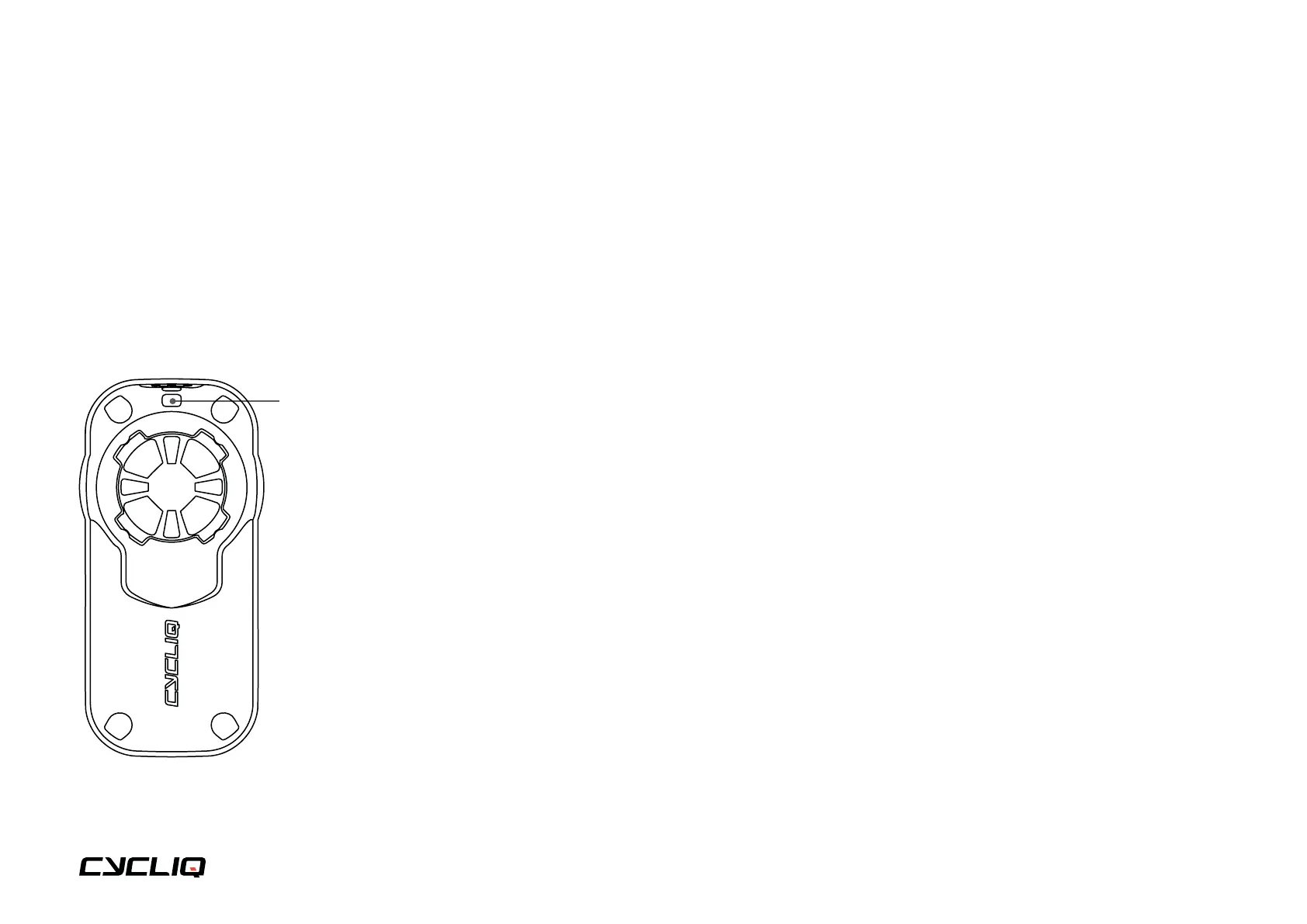
Attaching the safety tether to your Fly6
1. On the back of the Fly6 there are 2 holes
for the safety tether to be attached through.
2. Thread the thinner part of the tether through the holes,
then thread the other end through the loop to secure the tether.
3. We recommend always using the Fly6 with the
tether attached and secured around your seat post.
Insert the tether through here



 To Next Page