9 of 29Fly6 CE603 User Guide |
Changing your Fly6 settings
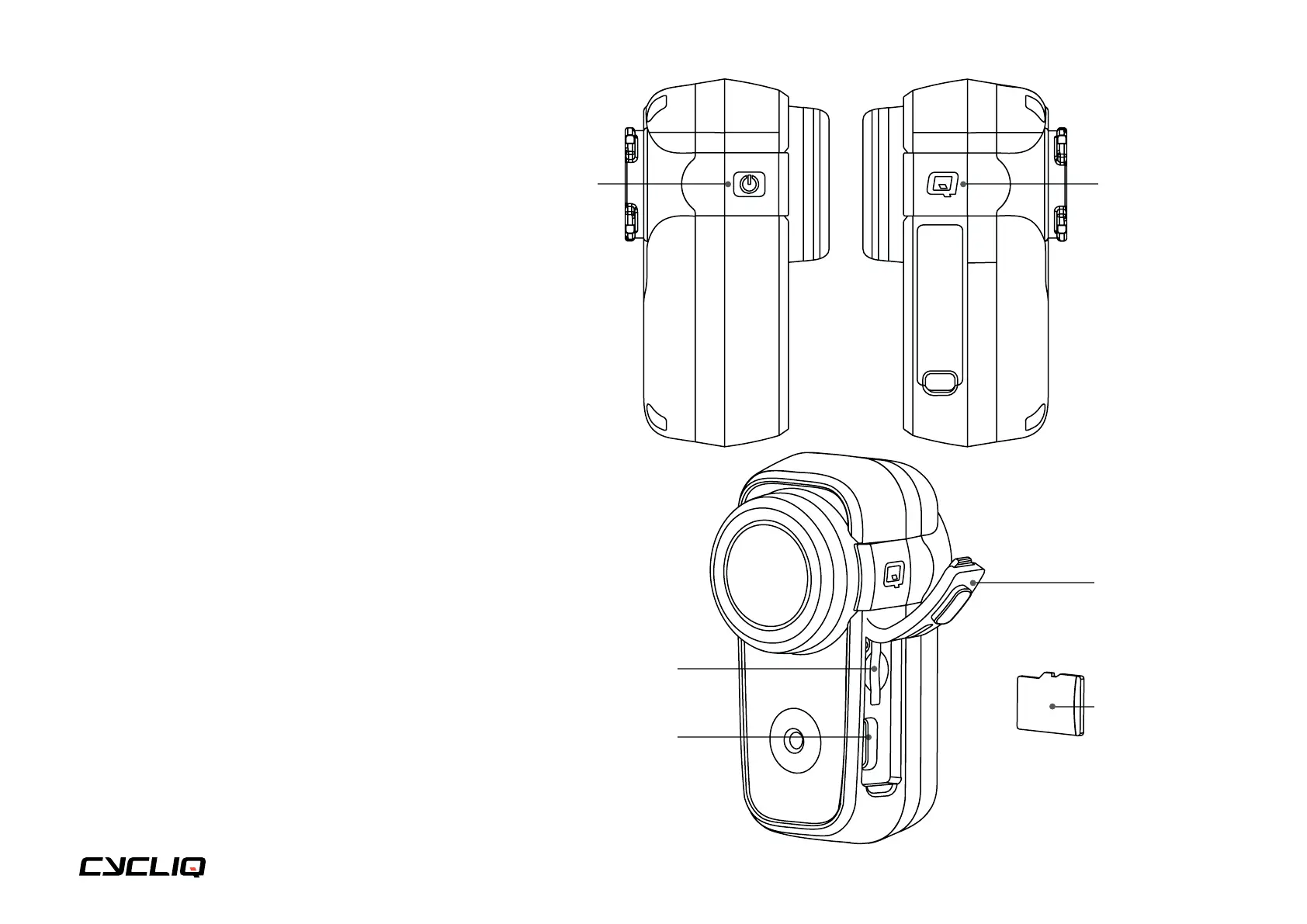
Most of the primary functions of the Fly6 can be
controlled using the Power and Q buttons on the
side of the Fly6.
Summary
On the Fly6
• All primary functions can be accessed
using the Power and Q buttons.
On the CycliqPlus mobile app
• There are other settings and features that are
only accessible via the CycliqPlus mobile app
(iOS and Android). Please download this from
iTunes or the Google Play Store.
On the CycliqPlus desktop app
• This option offers similar functionality to the
CycliqPlus mobile app. It is accessible on
your PC or Mac when you plug your Fly6 into
your computer using the supplied USB cable.
Alternatively insert your microSD card into your
computer’s microSD card reader.
microSD card slot
USB-C port
Port cover
microSD card
Power button Q button



 To Next Page