23 of 29Fly6 CE603 User Guide |
Rebooting your Fly6
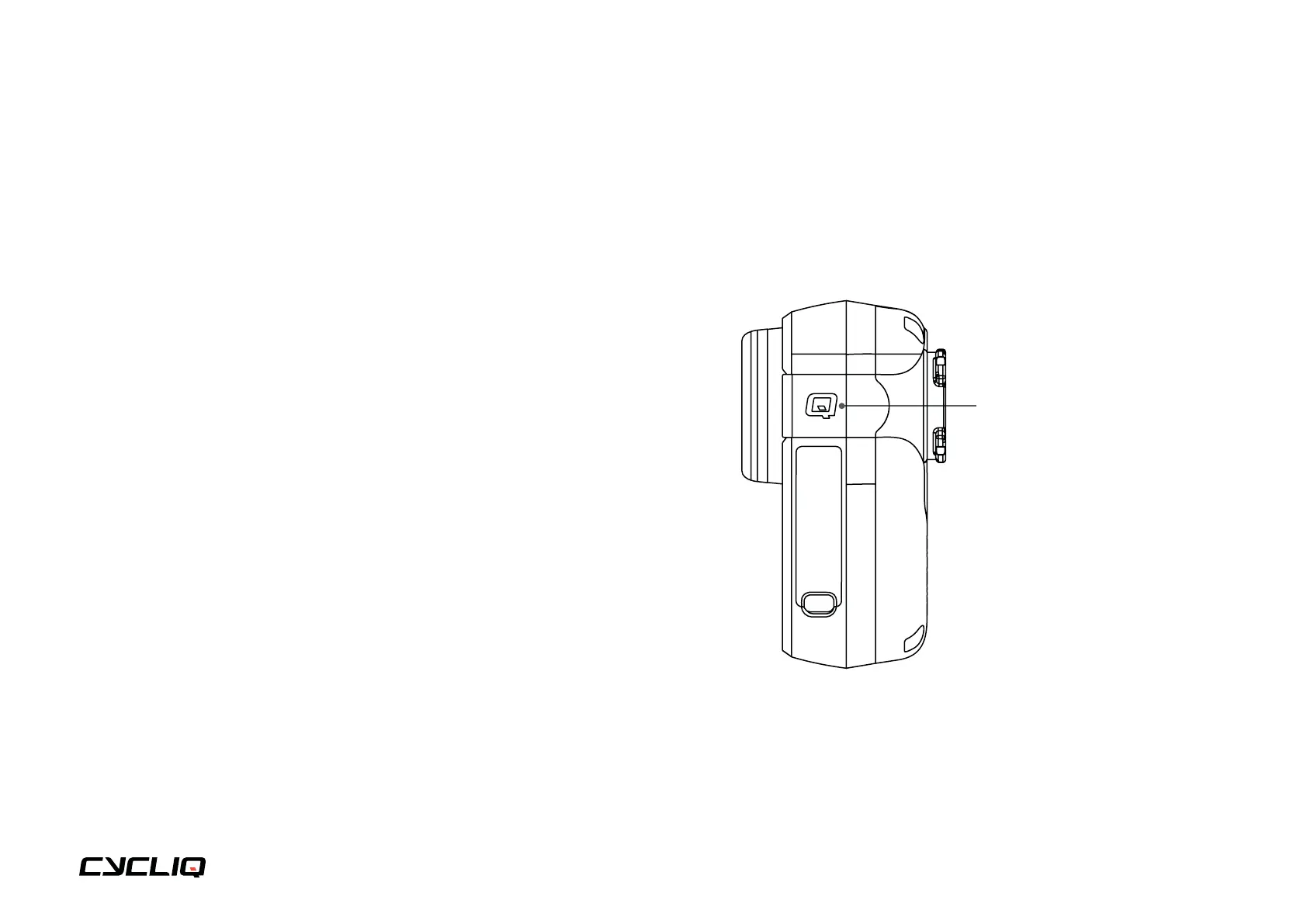
If your Fly6 requires a reboot, press and hold the Q
button for 10 seconds and your Fly6 will restart.
Warning!
DO NOT reboot your Fly6 when in the process of
completing a firmware update as this may damage
your Fly6.
Still need help?
Our friendly support team will help you
troubleshoot any issues you may be having.
https://support.cycliq.com/
Troubleshooting
your Fly6
Q button



 To Next Page