18 of 29Fly6 CE603 User Guide |
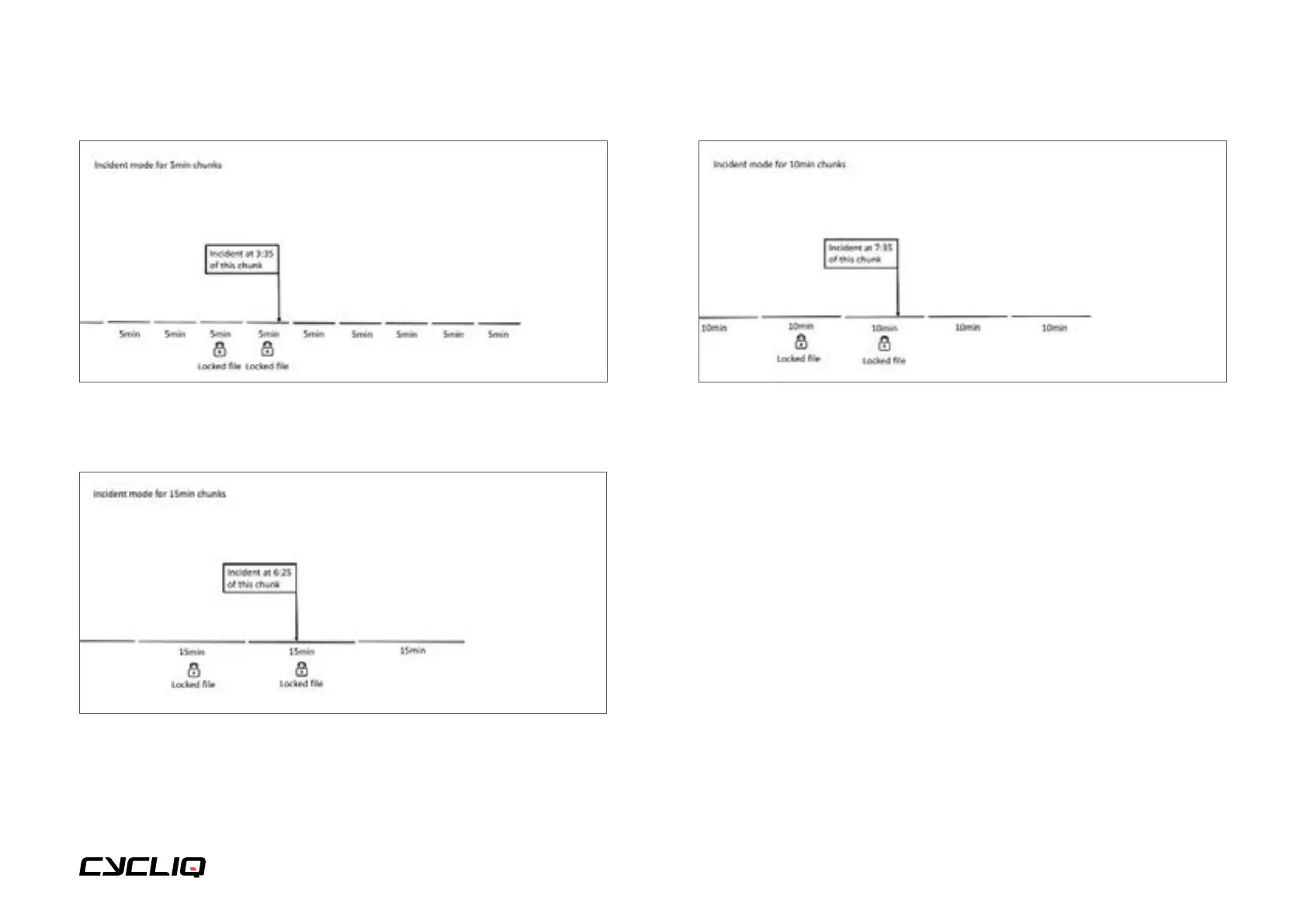
5-minute segment, Incident Protection Mode example
10-minutes of locked files.
15-minute segment, Incident Protection Mode example
30-minutes of locked files.
10-minute segment, Incident Protection Mode example
20-minutes of locked files.
NOTE
When Incident Protection Mode is triggered, or if you trigger manual
footage capture, the current segment will be locked and will continue
recording until the current segment is complete or the Fly6 is turned off.
For example, if you trigger Incident Protection Mode 3 minutes into a 5
minute segment, your Fly6 will also record the following 2 minutes and
save it as a locked file.
Caution
Incident Protection Mode can be turned off via the CycliqPlus app,
however, this is not recommended.



 To Next Page