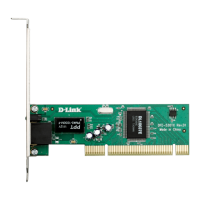
4D-Link DFE-530TX+ Quick Install Guide
Software Installation
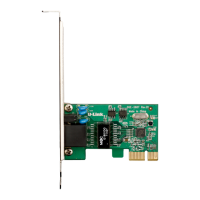
Warning: Do NOT install the DFE-530TX+ PCI Fast Ethernet
Adapter into your computer before installing the driver software
from the D-Link CD.
TurnonyourcomputerandInserttheD-LinkDFE-530TX+DriverCD
intheCD-ROMdrive.Thestep-by-stepinstructionsthatfolloware
showninWindows
®
XP.Thestepsandscreensaresimilarforthe
otherWindowsoperatingsystems.
IftheCDAutorunfunctiondoesnotautomaticallystartonyourcomputer,
gotoStart>Run.IntheRuncommandboxtype“D:\DFE530TX+.
exe”(whereD:representsthedriveletterofyourCD-ROMdrive).
Drivers for non-Windows
®
operating systems are located on the
D-LinkCD.
Installation
Software Installation
Whentheautorunscreenappears,clickInstall Drivers.









 To Next Page

