Using the PS Software
D-Link DPR-1020 - User Manual 34
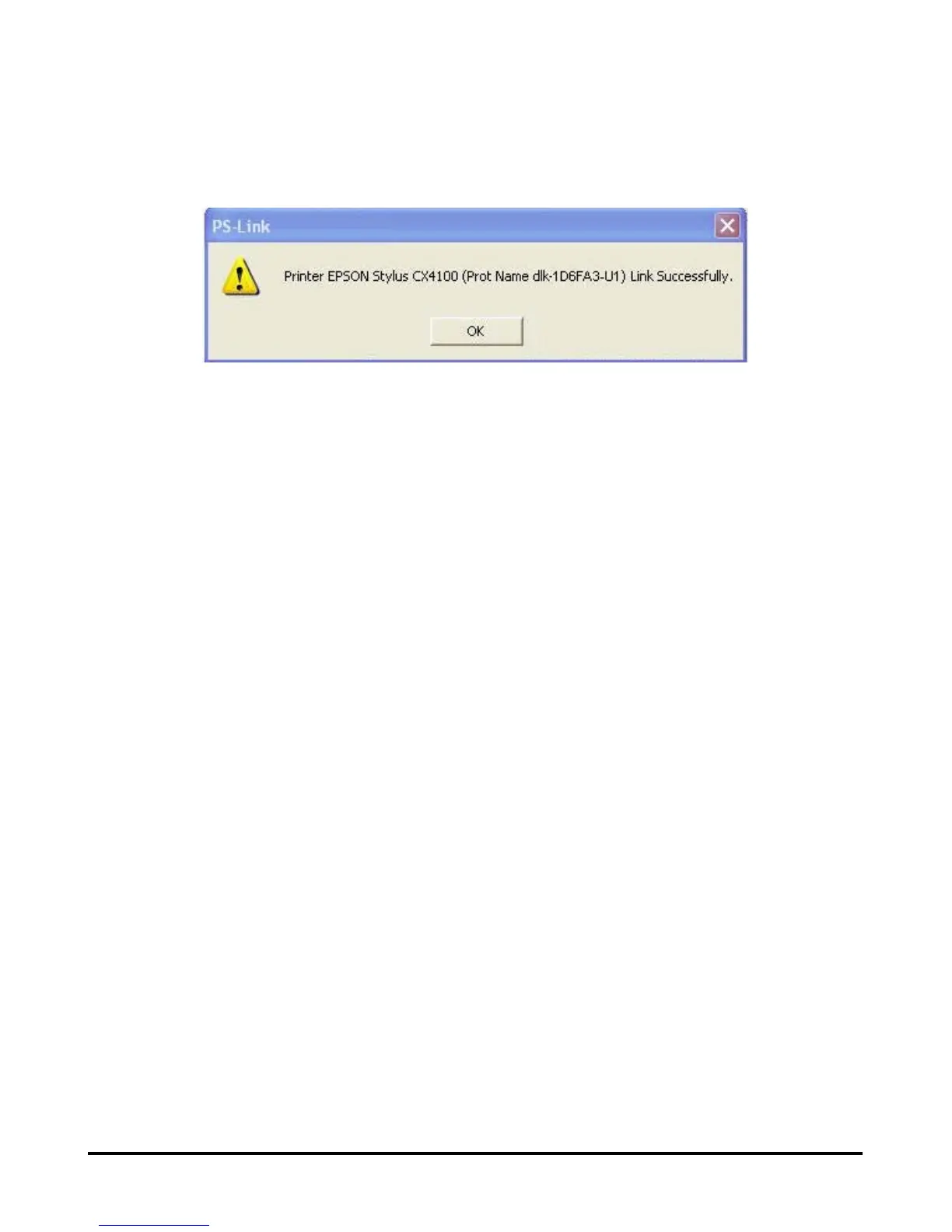
When the connection has been completed successfully, a message will display.
Press OK to exit.
3. Now you have to go back to continue the installation of the MFP/GDI printer
CD-ROM on your computer in order to complete the rest of installation steps.
4. When the installation is complete, you may start to use the multi-functions
(Print/Scan/Copy/Fax) of the MFP/GDI printer through your computer.












 To Next Page