DSL-2750E User Manual
85
Note:
Do not turn off your device or press the Reset button while an
operation in this page is in progress.
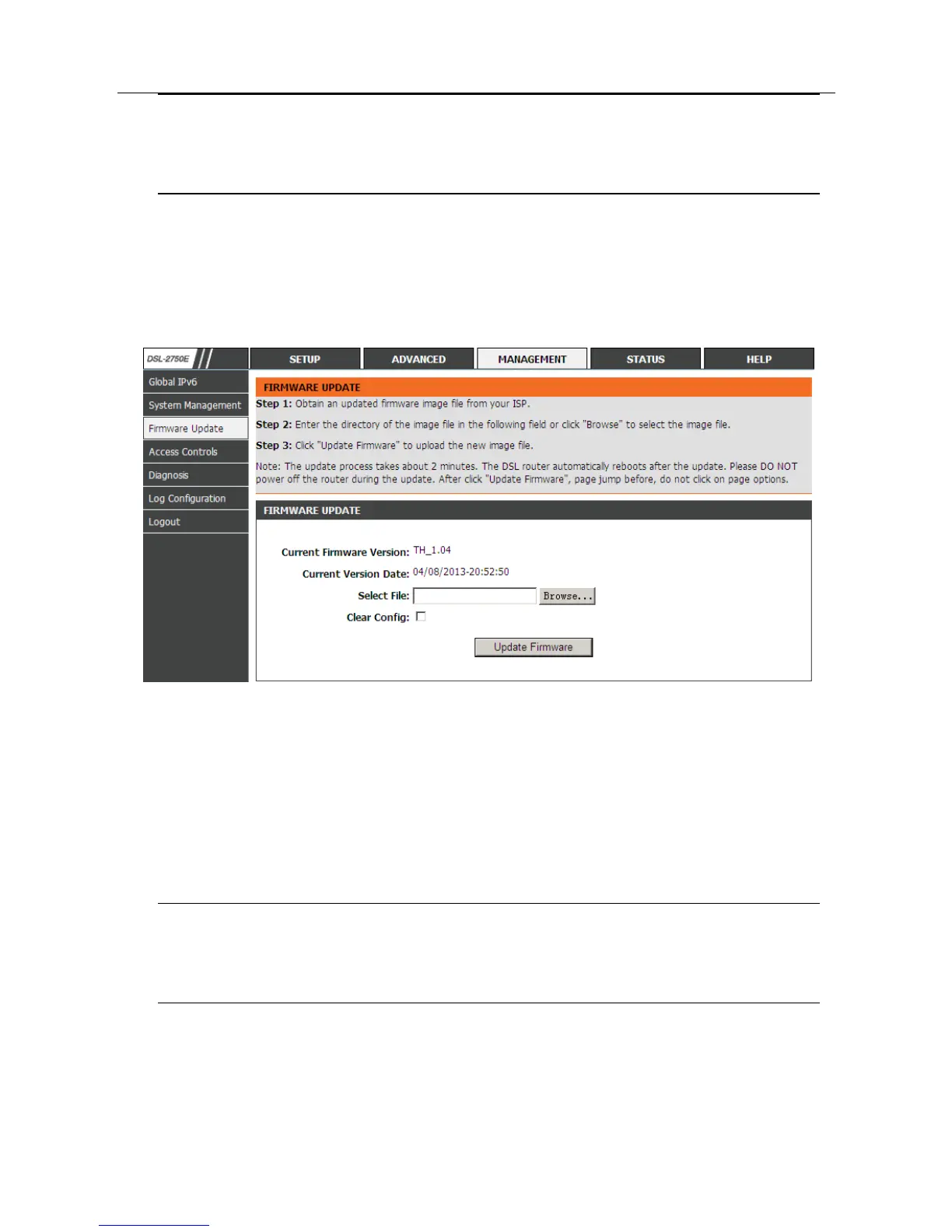
3.4.3 Firmware Update
Choose MANAGEMENT > Firmware Update. The page shown in the following
figure appears. In this page, you can upgrade the firmware of the device.
To update the firmware, take the following steps.
Step 1 Click Browse…to find the file.
Step 2 Select Click Config.
Step 3 Click Update Firmware to copy the file.
The device loads the file and reboots automatically.
Note:
Do not turn off your device or press the Reset button while an
operation in this page is in progress.



 To Next Page