15
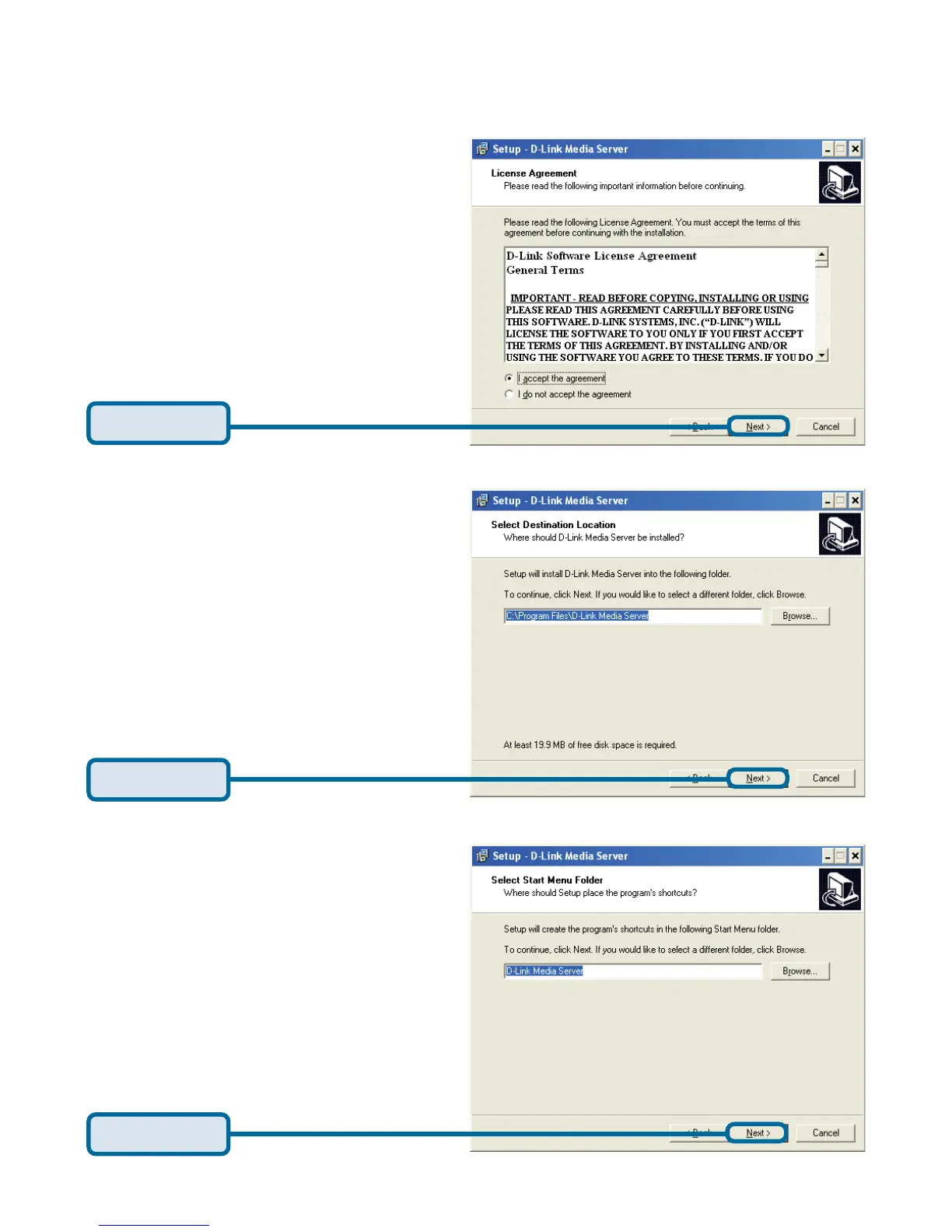
Click Next
Click Next
Choose a Start Menu folder or
accept the default location.
Installing the D-Link
®
Media Server Software
(continued)
Choose a Destination location
or accept the default location.
This is where the D-Link Media
Server software will be copied
to on your system.
Click Next
The D-Link license agreement
screen appears.



 To Next Page