46 Chapter 4 Managing Volumes
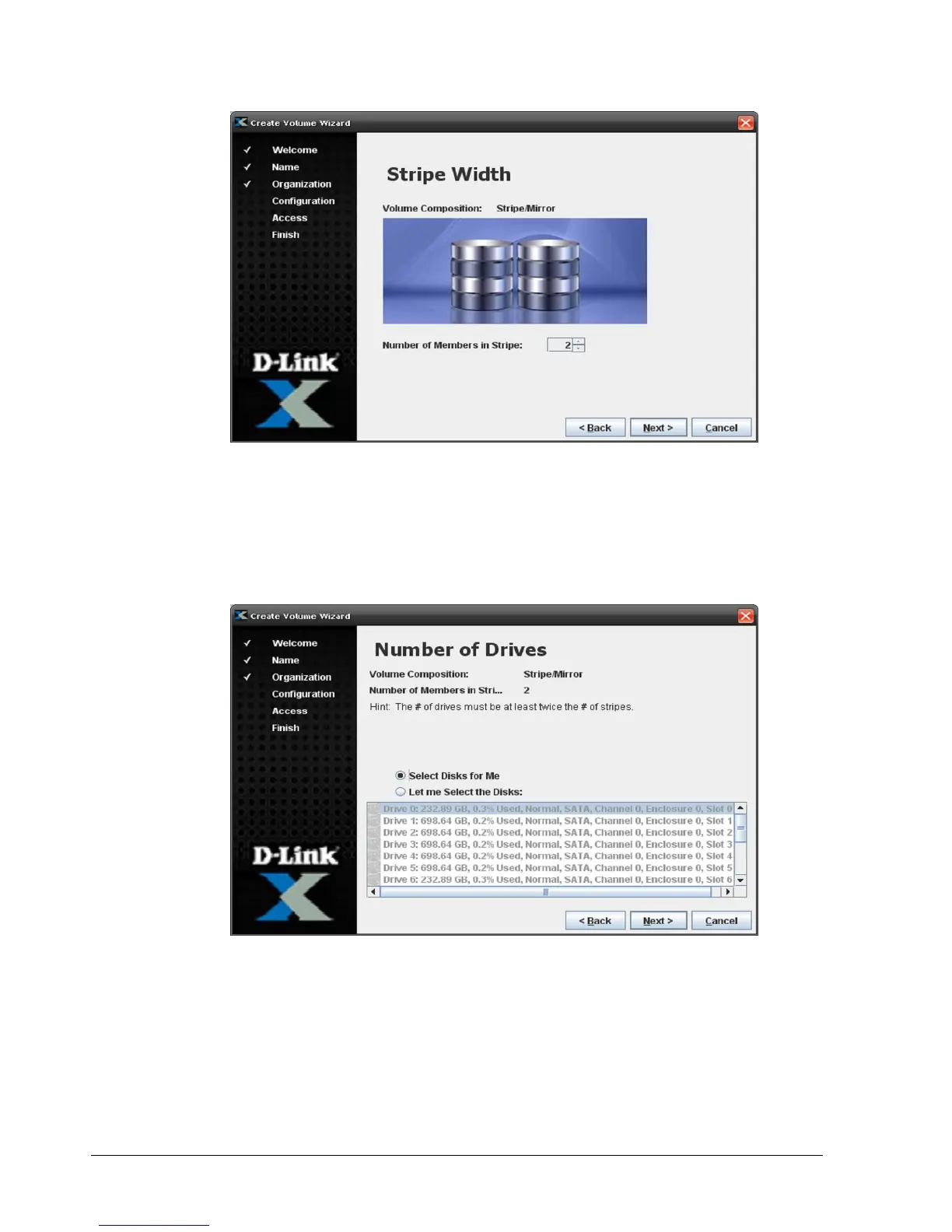
Figure 4-14. Stripe Width Screen
3. The Stripe Width screen shows the volume composition selection you made in the
Volume Composition screen. Use the Number of Members in Stripe box to specify the
number of the members that will be in the stripe. Click Next.
The Number of Drives screen appears (see Figure 4-15).
Figure 4-15. Number of Drives Screen
4. By default, the Wizard will select the disks for your volume. If you prefer, click Let Me
Select the Disks and select one or more disks you want to be part of the volume. If you
decide to select multiple disks from the list, you can use the following shortcuts:
– For adjacent disks, click the first one, then hold down the Shift key and click the
last one. The first and last disks, and all the disks between them, get selected.
– For non-adjacent disks, click the first one, then hold down the Ctrl key and click
each subsequent disk.



 To Next Page