xStack Storage Management Center Software User’s Guide 47
– To deselect a disk, hold down the Ctrl key and click a disk that is selected.
Each disk can contain a maximum of 256 extents.
5. Click Next.
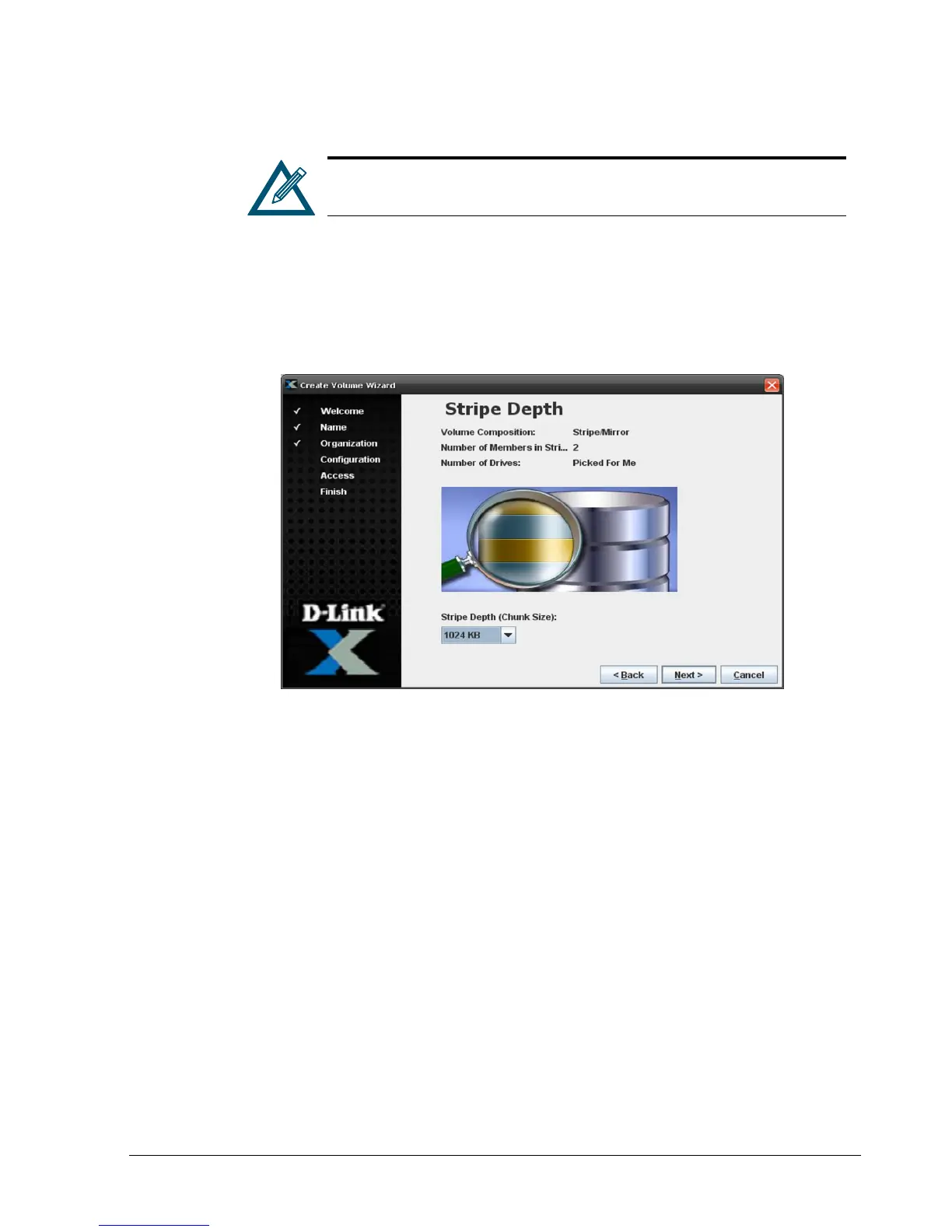
If you selected Stripe/Mirror, Parity, or Stripe, a Stripe Depth screen similar to the
one in Figure 4-16 appears and you should proceed to the next step. Otherwise, the
Volume Size screen appears (see Figure 4-17) and you should skip to step 8.
Figure 4-16. Stripe Depth Screen
6. By default, the Wizard will select the stripe depth (chunk size) for volumes configured as
stripe/mirror, parity, or stripe. If you prefer, use the Stripe Depth drop-down list to
select from one of the commonly used chunk sizes. Click Next.
The Volume Size screen appears (see Figure 4-17).



 To Next Page