xStack Storage Management Center Software User’s Guide 57
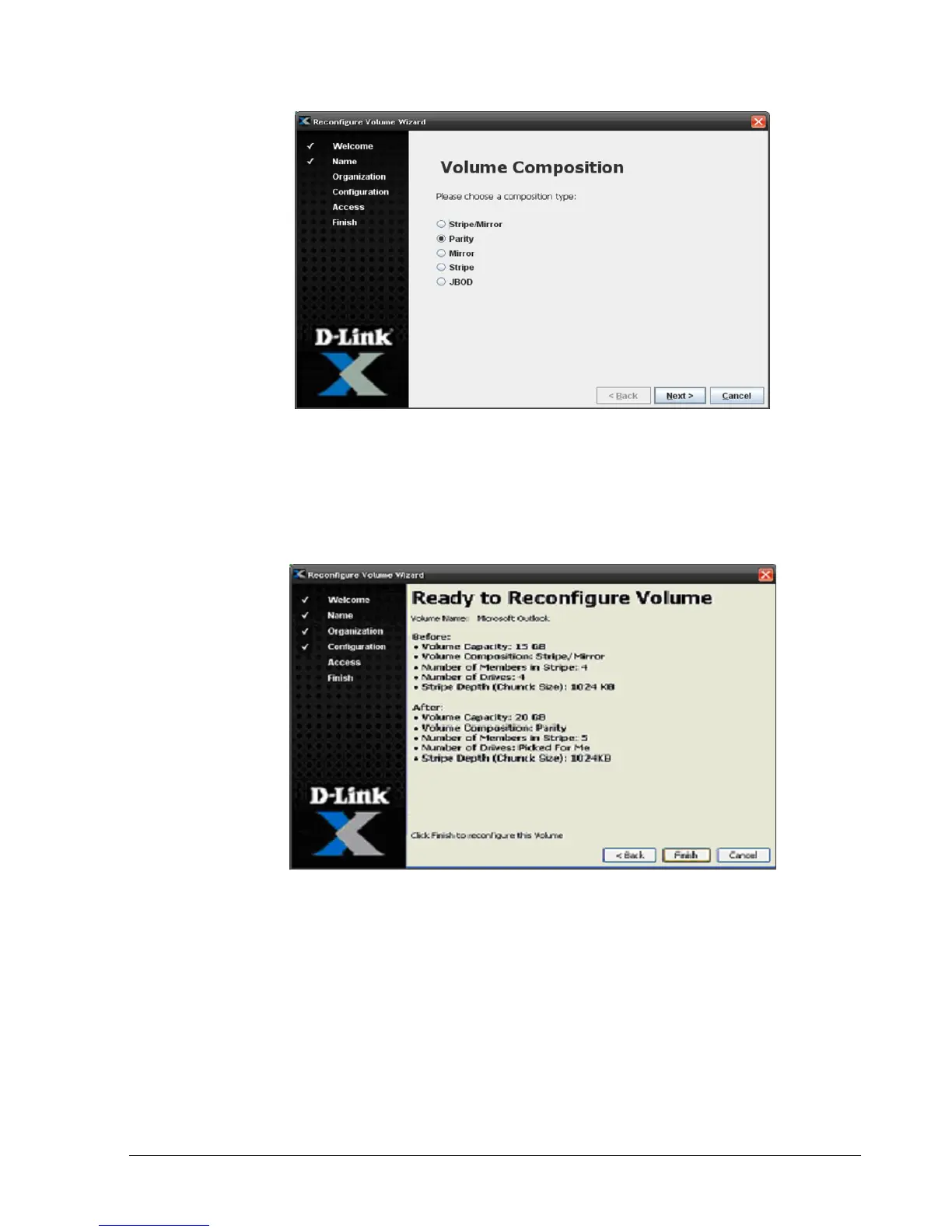
Figure 4-26. Volume Composition Page
3. See section 4.2.2 to complete this procedure (including specifying the volume
composition, capacity, stripe width, drive, and chunk size) and record your settings in
Table C-1. The Ready to Create Volume screen shown in Figure 4-27 allows you to
confirm your selections for the reconfiguration.
Figure 4-27. Ready to Reconfigure Volume Screen
4. Select Finish in the Ready to Create Volume screen to begin the reconfiguration process.
The Finish Reconfigure screen shown in Figure 4-28 appears.



 To Next Page