58 Chapter 4 Managing Volumes
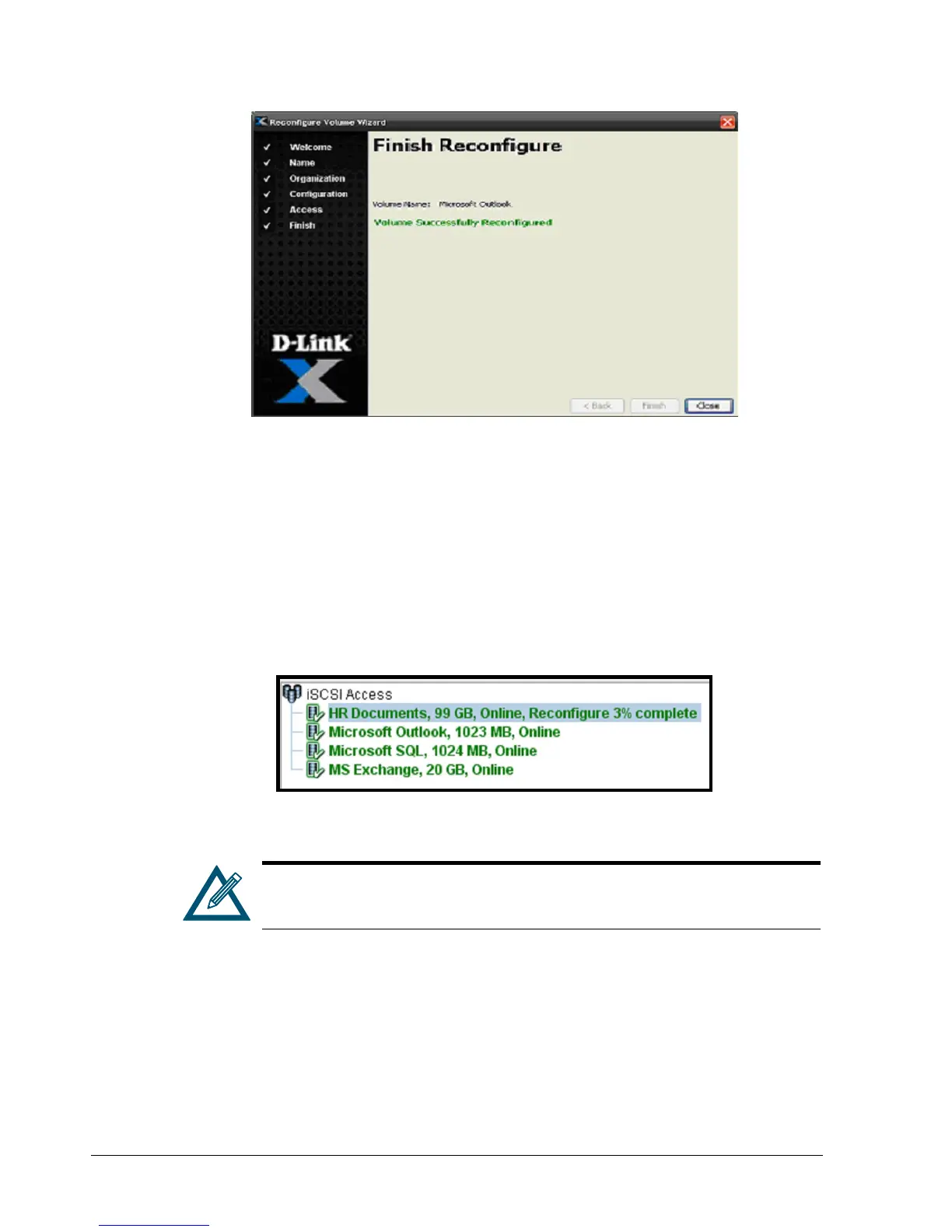
Figure 4-28. Finish Reconfigure Screen
5. Select Close to exit from the Volume Reconfigure Wizard.
During the volume reconfiguration, the Main Display in the Volume View can be used to
view the progress of the reconfiguration. In Figure 4-29, the Main Display shows that the
reconfiguration of the volume is 3% complete. In addition, the activity indicator in the
status bar moves from side to side. At the end of the reconfiguration, the Starting
Reconfiguring screen appears, the reconfigured parameters appear in the Reconfigure tab
in Volume View, and the activity indicator stops moving.
Figure 4-29. HR Documents Volume Being Reconfigured
If you reconfigure a volume, you can use the Schedule tab in the System
Administration View to view, suspend, or delete this action (see section
6.2.4).



 To Next Page