D-Link Unified Access System Software User Manual
02/15/2011
Page 50 Document 34CS3000-SWUM104-D10
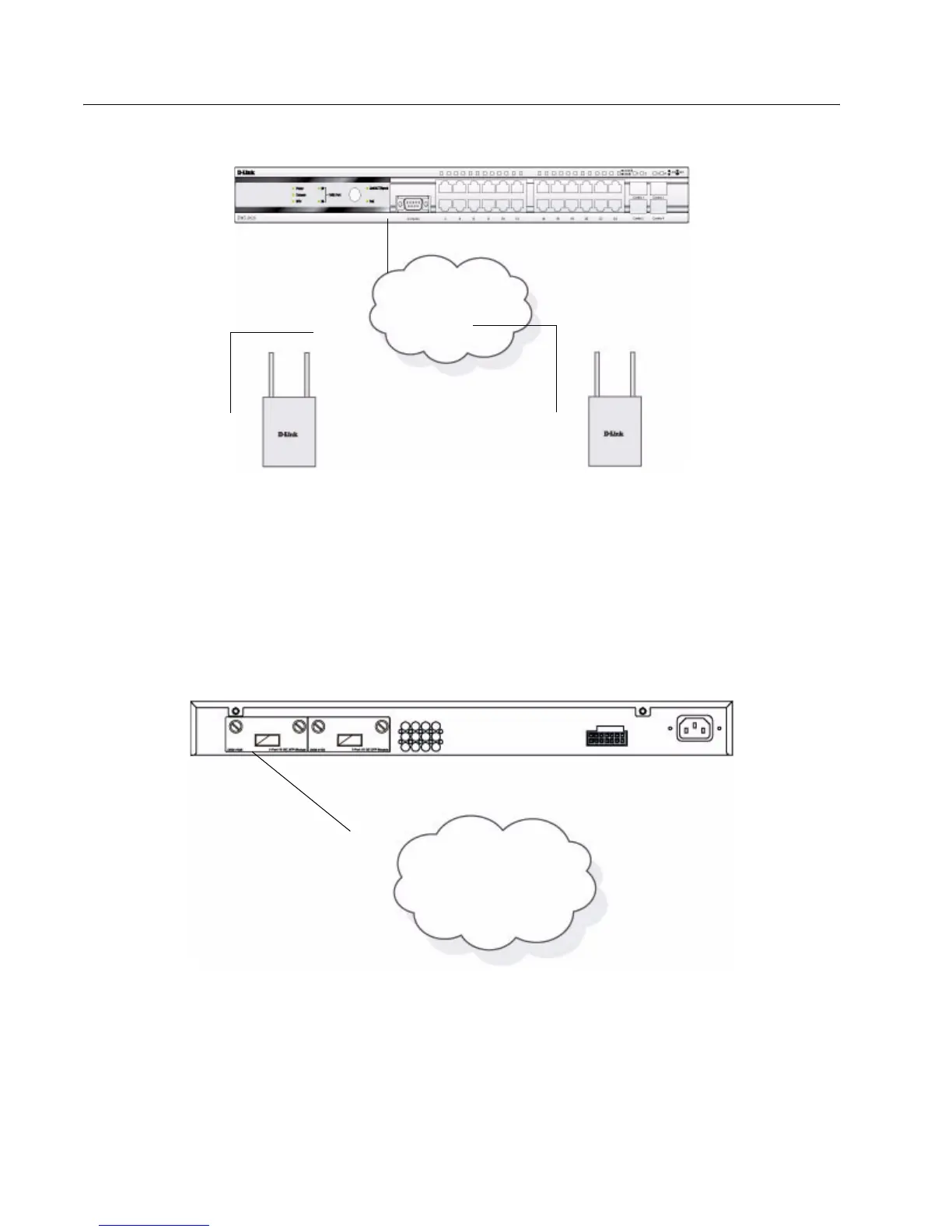
Figure 29: Switch and APs Connected Through Network
Connecting to the Core Network
The optional 10GB ports on the DWS-3026 are ideal for uplinking to the core network. Connections to the Gigabit Ethernet
ports are made using a fiber-optic cable or Category 5e copper cable, depending on the type of port. A valid connection is
indicated when the Link LED is lit.
<Link>Figure 30 shows the rear panel of the DWS-3026 with the optional DEM-410X module.
Figure 30: Switch Connected to Network Core
Access Point
L2/L3 Network
Access Point
Core Network
Fiber Optic Cable



 To Next Page
 Loading...