17D-Link ShareCenter Pulse DNS-320 User Manual
Section 3 - Installation
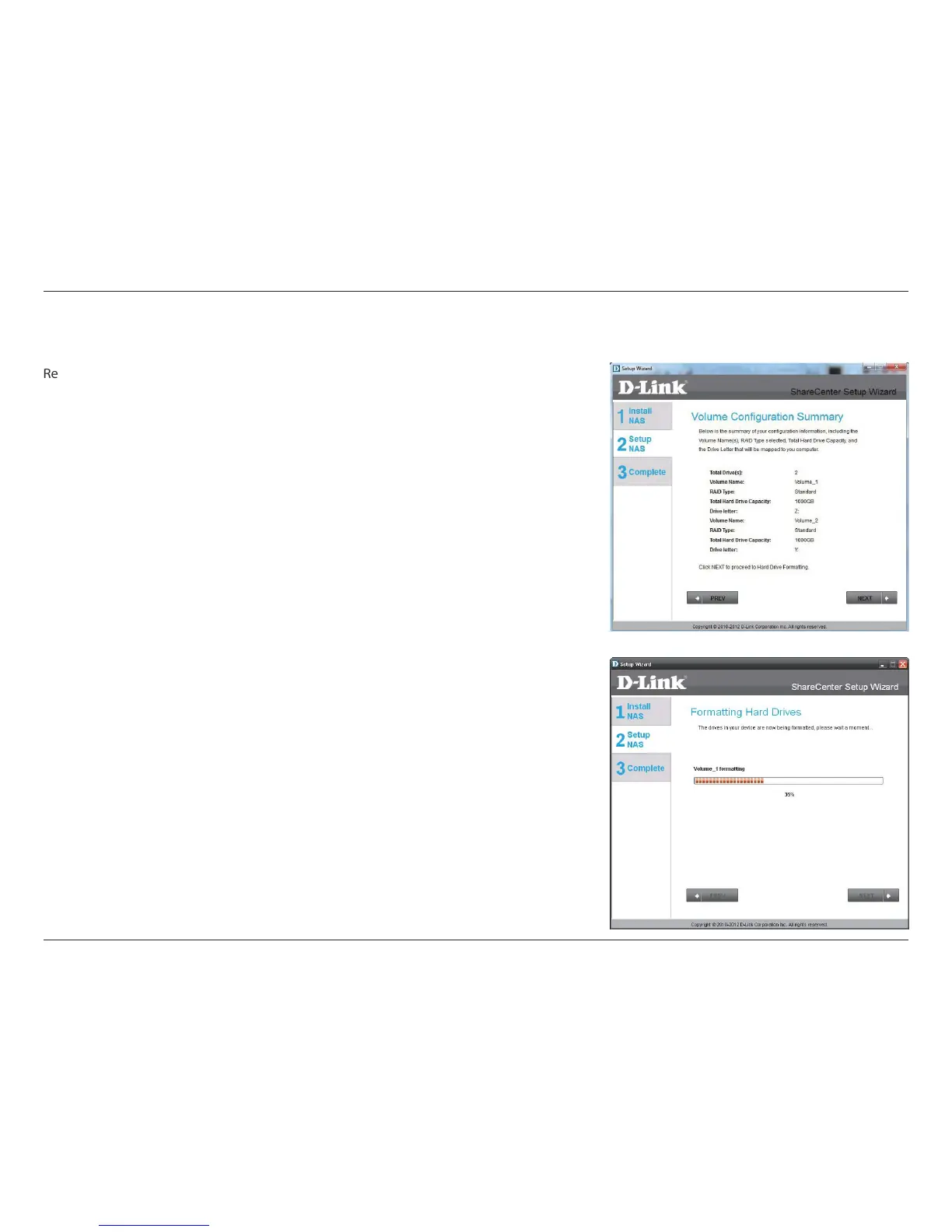
Conguration Summary and Drive Formatting
eview your volume conguration summary details here before clicking next and starting
the drive format. If necessary use the PREV button to go back and recongure the RAID
conguration of the volume(s). When you click NEXT a warning message will appear to
conrm you want to format the drives as all the data on the drives will be deleted. Click
on the No button if you are unsure.
During the hard drive formatting the wizard displays percentage complete bars.



 To Next Page
 Loading...