94D-Link ShareCenter Pulse DNS-320 User Manual
Section 5 - Knowledge Base
AjaXplorer
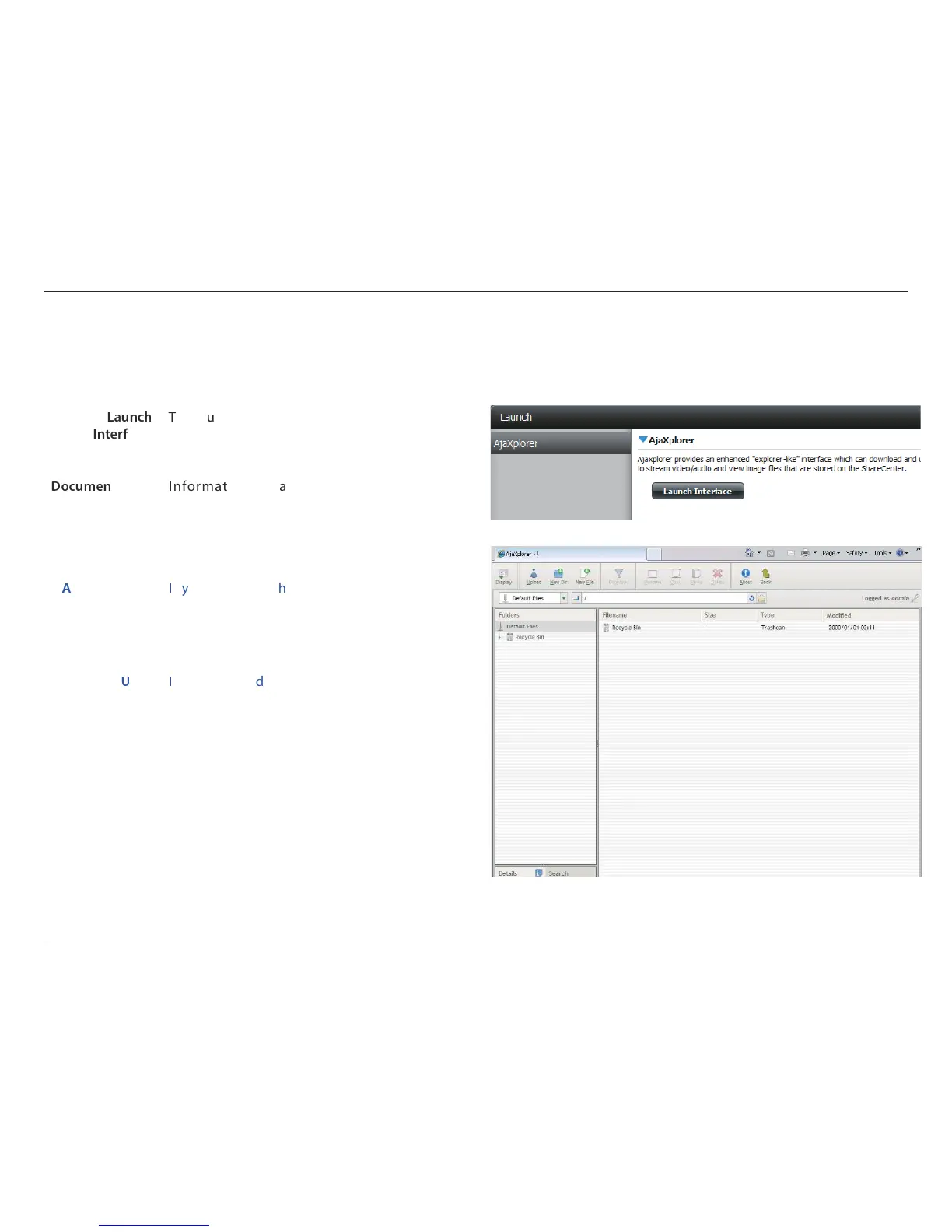
This section allows you to congure the AjaXplorer function. AjaXplorer is a le explorer that allows you to remotely manage the les stored under
the AjaXplorer folder by using a web browser.
Interface:
his launches your browser with the Ajaxplorer le
system interface to the ShareCenter Pulse.
tation:
nformation regarding using the Ajaxplorer
application can be found here:
http://www.ajaxplorer.info/
dministrator:
f you launched the interface as the admin user
in your ShareCenter Pulse then you will have
administrator rights within the AjaXplorer interface.
As the admin user you will have read write access to
all areas of the les systems as well.
ser:
f you launched the interface as a congured user
in your ShareCenter Pulse then you will have the
users rights within the AjaXplorer interface. That
users read/write access privileges to the shares of
the ShareCenter Pulse will be applicable within the
AjaXplorer interface as well.



 To Next Page
 Loading...