. _... _.._- -- - - - -
SETTING YOUR
ALARM
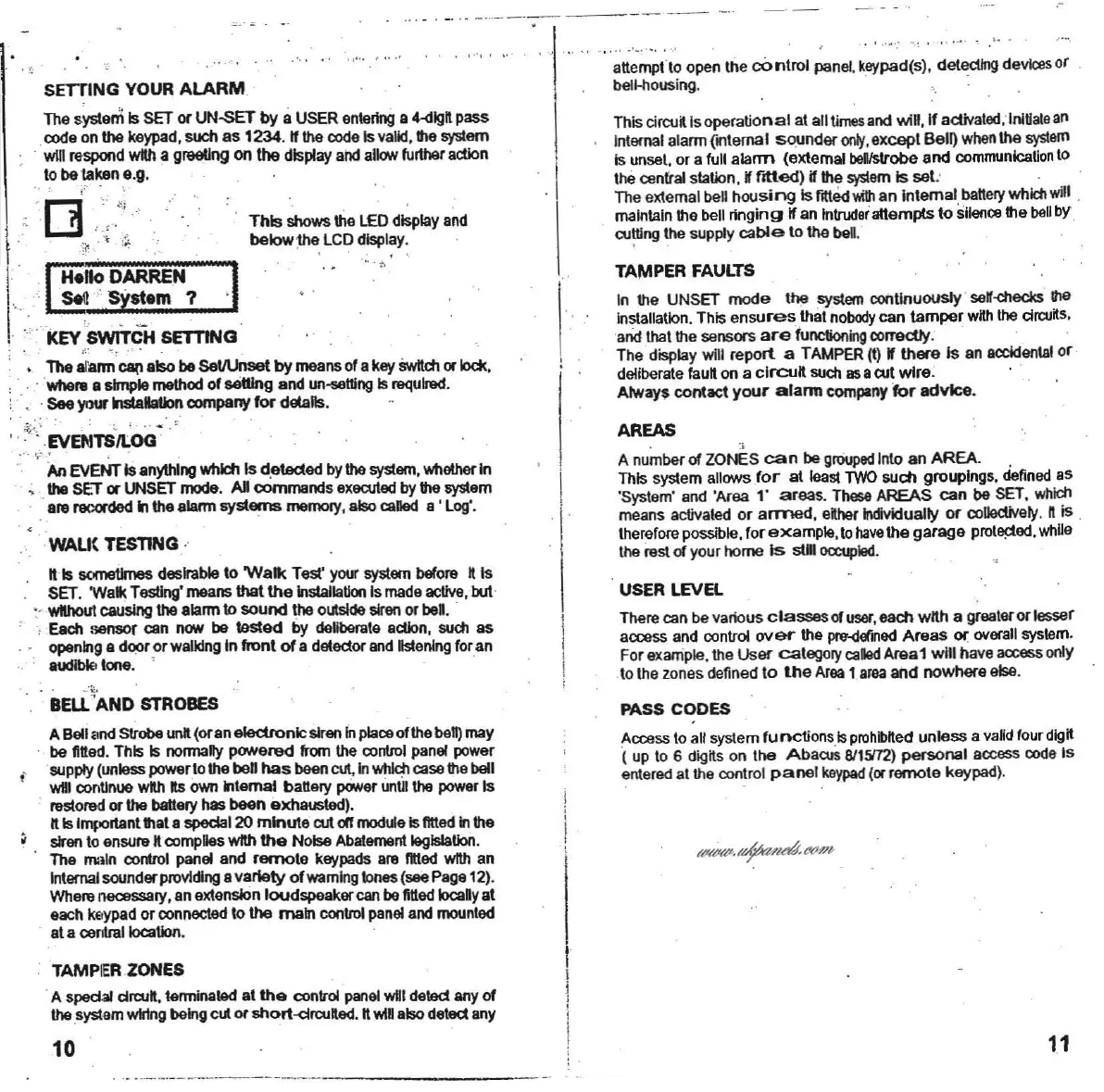
The system Is SET or
UN-sET
by aUSER
entering
a 4-dlgl pass
code on
the keypad,such as 1234. ttthe codeIsvalid,lIIe system
·.will respondwith a greellng on thedisplayandalow Iurtharaction
10
betaken e.g.
This
circul
lso
perational
al all
times
and wiD
,lf
activated
; Initiatean
Inlarnalalarm
(.,Iema
I
sounder
~,except
Belij
When
the
system
Isunset. or a lull
alarm
(extemal
benlstrobe
and
communication
to
lhe centralstation.
lfllted)
~
the
system
Is
sel
: . . .
The extemal
beghoUsi
ng
Is
fltl<!d
v.itlI
an Internal,
balle<y
which
wil
.
maintainthe bell
ringing
if an Inlruderaltempls10
sHence
IIle
bell
bY.
cu!ting
the
supply
cable
10lha bel,'
TAMPER FAULTS
In the UNSET mode the
system
conllnuously 'ser-checks !he
Installation. This
ensures
that
nobody
can tamper
wKh
the
drcuKs
,
andthai the sensors
are
functioning
correctly, ' . .
The display will report a TAMPER
(I) r there Is an
aocidental
or
deliberate
faul
on a
circuli
suchasacutwire. .
Always
contact
your
alarm
company
for
advice
.
.
...
·
~
ti
:
"';;
t
'
;
~
open the
control
panel.
keypad(S)
, deledlng dev
ice
sor
bell-housing.
,"" ,,'
. t,
'"
.'
, ,'"
..
This
showsthe LEDdisplayand
belowthe LCDdisplay.
•
~
" ~
I
.•
-
~
:
"
~
..:
',
1"
"':
II" [:I?
~=?
,I
:KEYswfrCH
SETTING
". "
The
&farm
~
elsobeSeVUnsel
by
meansorakey
SwItch
or
1ock,
- Whe
'"
a simple methodof seUlng and un
....
\lIngIs
raqulre<!
.
. .
See
your NtaHaUonoompany
for
delalls•
f
.-
Z;;
\
v
~
1S
'
i
O
G
"
.'. \
",'
" .
An
EVENTIsanythingwhich Is d.eledad bythe
system,
Whether
In
. ; the SET or UNSETmode. All commands exeartedby IIle system
.
a",
",,:orded
In
the alarmsystems
melTlOf)'
, also
called
a ' Log'.
WAU(TEsnNG
·
n Is sometimes desirableto
'Walk
Test'
your
systembelo", l is
SET. Wall<Testing'meansthel
the
Installation
Ismade
active
,but
· withoutcausingthe alarmto sound the outsldesirenor bel.
• Each sensot can
OON
be tested by
deHbemle
action,
such as
. ' openinge dooror
walidng
In fronl
of
a detectorand
listening
foran
.
audiblelone. •
Bal
'AND
STROBES
ABell
1m<!
strobe unit(oranele<:tronlcslren
In
placeolthe bell)may
be ntted. This Is normally powered !fom the
control
panel power
supply
(unlEoss
powerlo thebett
has
been
C\JI,
In
whlch
caseIIle bell
will
conl1nue
with tis
own
Internal batieIY powerun\llthe powerIs
",stoll>dor the
batteIY
hasbeen exhausted).
ft Is1"'I""tanlIIlala spedal20
minute
art
otrmoduleIsIlttadInthe
sirento ensu",
ft complieswfth
the
Noise
Abatement
legislation.
The main control panel and
remole
keypads are Ilttad wfth an
Inlernalsounderprovldlng avariety ofwamlng
tones(seePage12).
Wherenecessary,anextensionloudspeakarcanbe
ntted
Iocany
al
eachkeypador
connected
10the main conltol paneland
mounted
ata
C8nIraIIocaUon
.
AREAS
A number
01
ZONES
can
be groupedlnlo an AREA. ,
This system allows
for
at least
TWO
such groupings.
defined
as
'System' and 'Area "
areas
. TheseAREAS can be SET,
which
means activated or arrr>ed. ether Individually or
collectively
,
lis
.
thereforeposslble,for example,
10
have
the garage prol"!1ed,while
the
restof your home
Is
slll
occupied
.
USER LEVEL
Therecan be vaoous
classes
of user, each
wah
a greateror lesser
access and control
over
the
pre-<tetined
Areas ot' ov...all system.
For example.the
User
category caled
Amal
will have
access
only
to the zonesdefined
to
the
Area
1
area
and nowhere else.
PASS CODES
Access to all system
functions
,isprohibrted
unless
a valid four digit
( up 106
digKs
on
lhe
Abacus
6115112)
personal accesscodeIs
enteredat the control
panel
keypad
(orremote keypad).
TAMP
IER
ZONES
.A
s~
ctrwl,
terminated at
the
control panelwill
detect
anyof
thesystem
wlrtng
beingcut or short-droufted. ft
wiD
alsodetectany
10
11



 To Next Page